
Please follow the following steps:
1) Login to Plesk control panel.

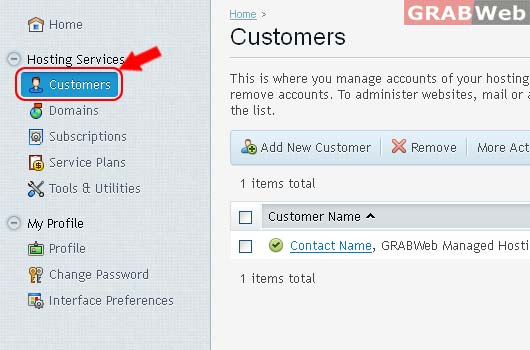
2) Click on Customers.
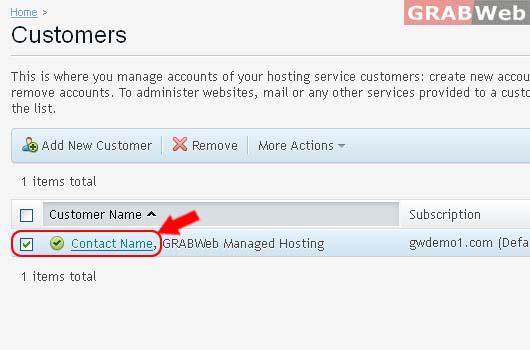
3) Click on Customer Name from the list.
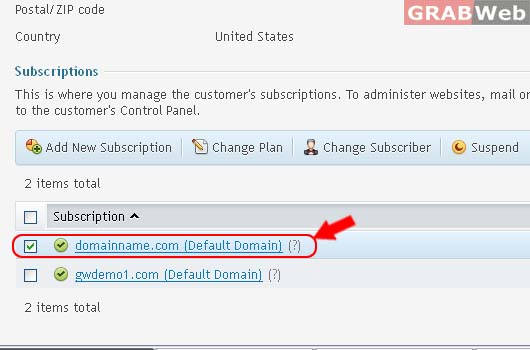
4) Select the Subscription from the list.
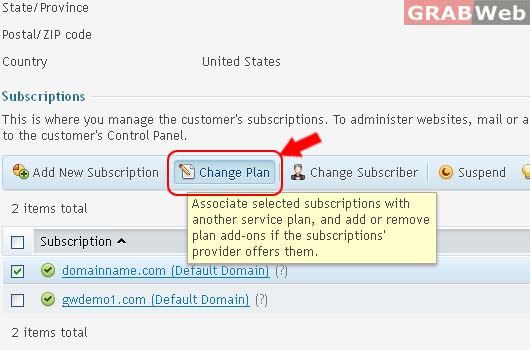
5) Click on Change Plan
6) Select the New Service plan from drop down menu as well Add or remove add-on plans.

To switch to another service plan, choose the new plan from the list. Note that selecting 'none' unbinds the subscriptions from the service plan and makes them 'Custom'.

7) Click Ok.
