
To add a service plan under my account, please follow the following steps :-
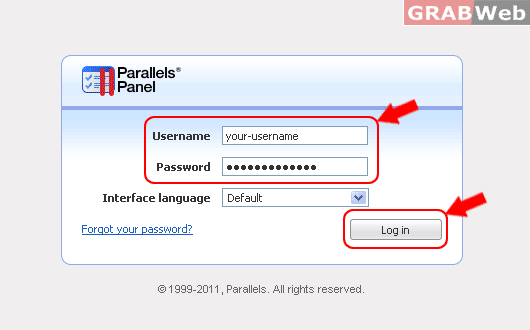
1) Login to Plesk control panel.
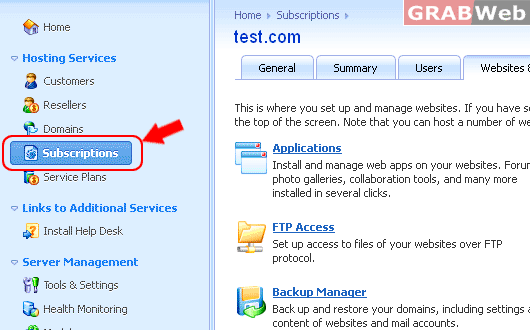
2) Click on "Subscriptions".
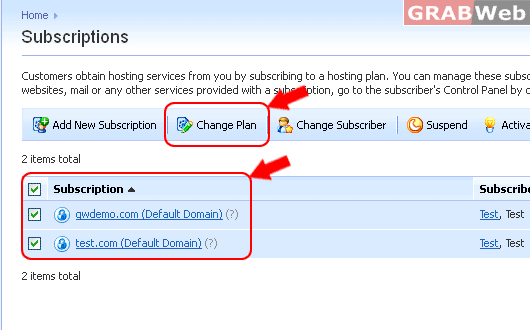
3) First Select "Subscription" from the list and then Click on "Change Plan".
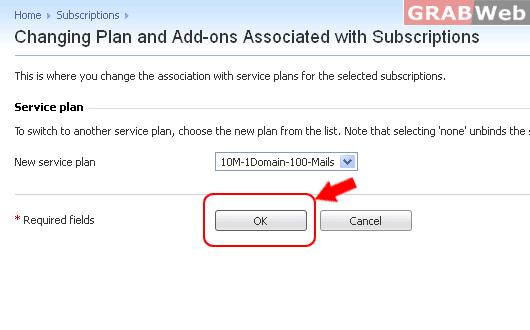
4) Select the Added plan from the drop down list.
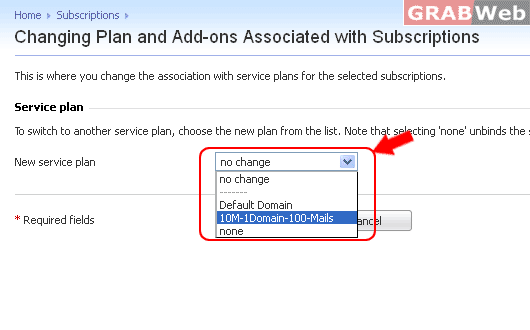
3) Click Ok.
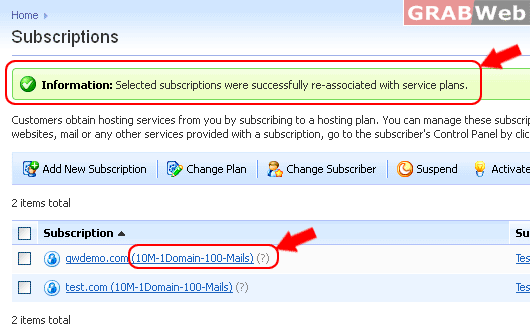
3) You will get Message
"Information: Selected subscriptions were successfully re-associated with service plans."
You can also see Plan was upgraded in the front of Subscription name.
For Flash Tutorial : Click Here.
