
With add-on plans we can extend the amount of resources and services provided with a certain subscriptions. To create a add on Plan please follow the following steps :-
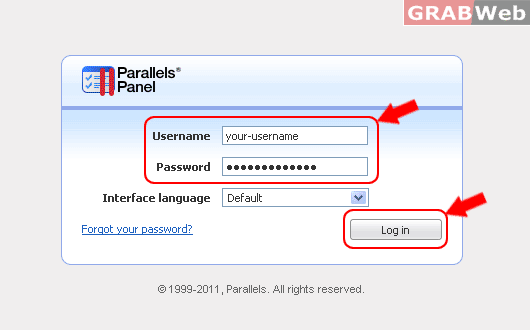
1) Login to Plesk control panel.
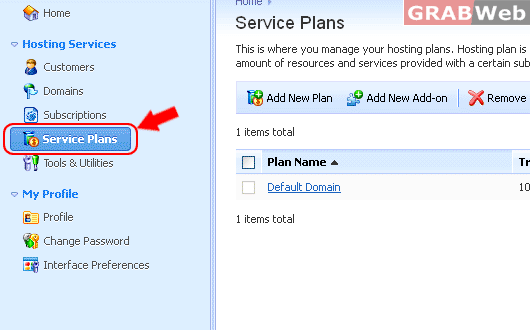
2) Click on "Service Plan".
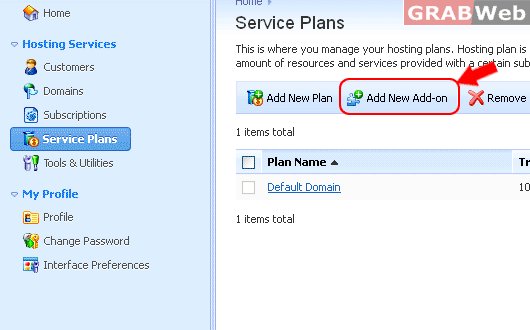
3) Click on "Add New Add-on" and entered the required details. These resources details will be additional
resource details with the service plan you have assigned to the client.
4) Click on "OK" once you have entered the details.
