
To change Subscription Service plan in Plesk Reseller account, please follow the following steps:-
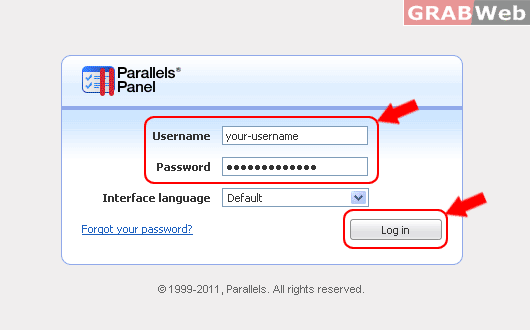
1) Login to Plesk control panel.
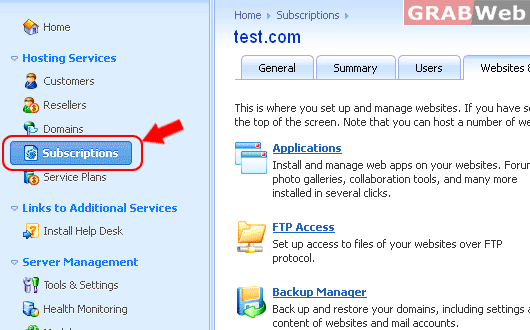
2) Click on "Subscription".
3) Select first "Subscription" from the list
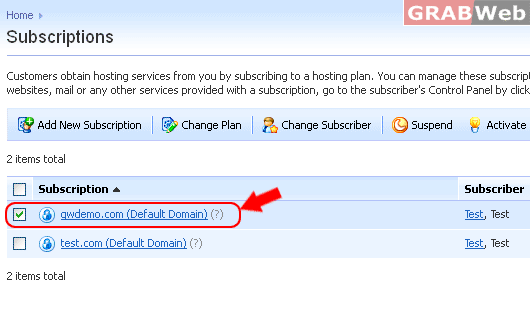
4) Click on "Change Plan"

5) Select Service plan from drop down menu as marked in RED
Click Check Box "Proceed to change the Service plan of subscription.
Note that this will make the subscription locked for syncing."
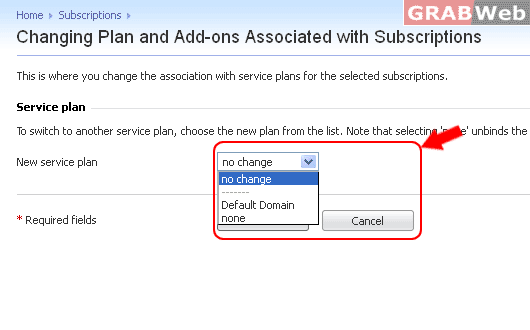
6) Click OK.
For Flash Tutorial : Click Here.
