
Assign roles to users to give them access to apps and services hosted on your account. There are several predefined user roles. You can modify them or create your own custom roles.
Please follow the following steps:
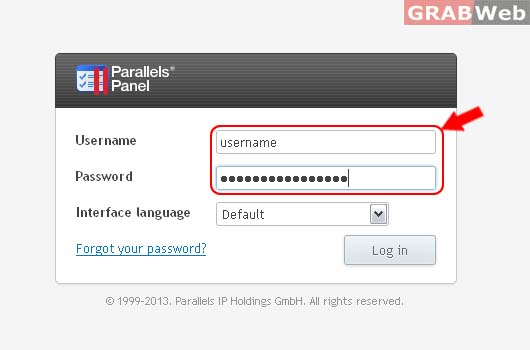
1) Login to Plesk Control Panel.
2) Click on Subcriptions.

3) Select the corresponding Subscriptions from the list.

4) Click on Users Tab

5) Click on Users Roles Tab
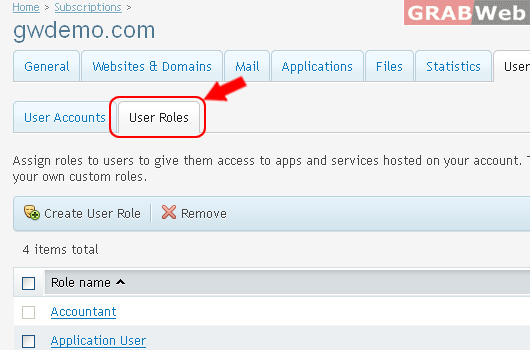
6) Select the corresponding User Role from the list and then click on Remove.
Remove the selected user roles. Roles can only be removed if they are not assigned to any user accounts.

7) Click Yes.
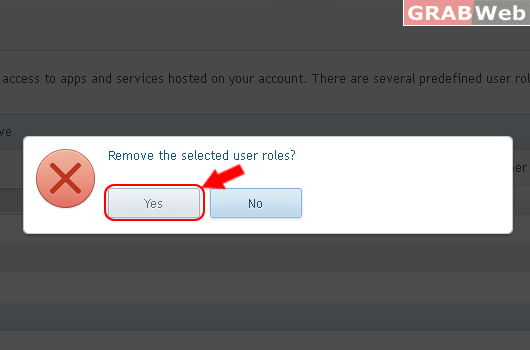
The selected user roles were removed.
