
Please follow the following steps:
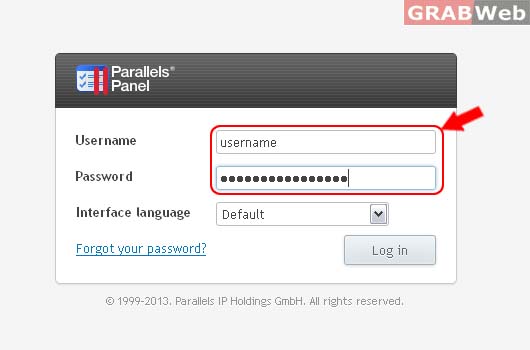
1) Login to Plesk Control Panel.
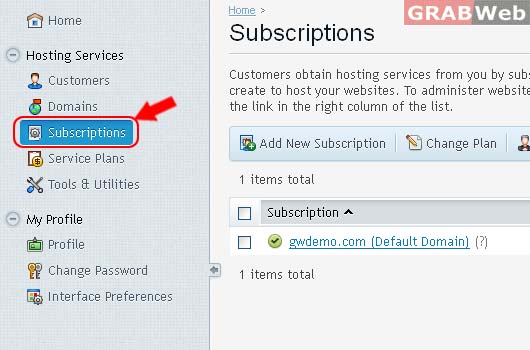
2) Click on Subcriptions.
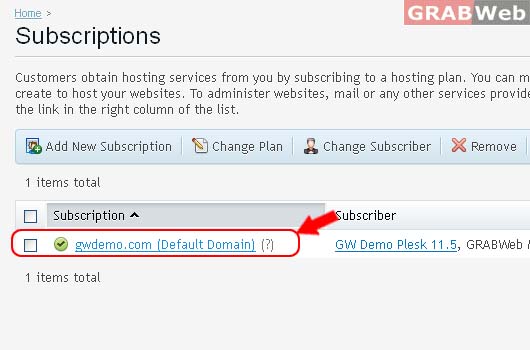
3) Select the corresponding Subscriptions from the list.
4) Click on Users Tab
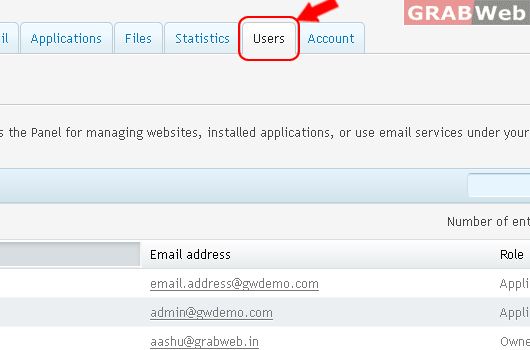
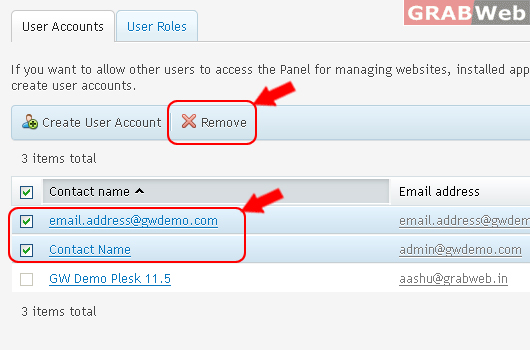
5) User have to select the corresponding user from the users list & after that he need to click on Remove to remove the selected user
6) Click Yes.
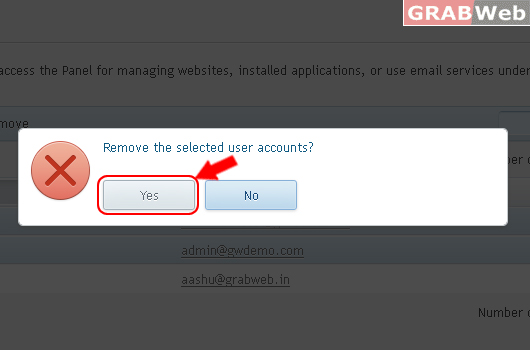
Information: The selected user accounts were removed.
