
View the reports on how your websites are visited: See how many people visited a site and which webpage they viewed.
Please follow the following steps:
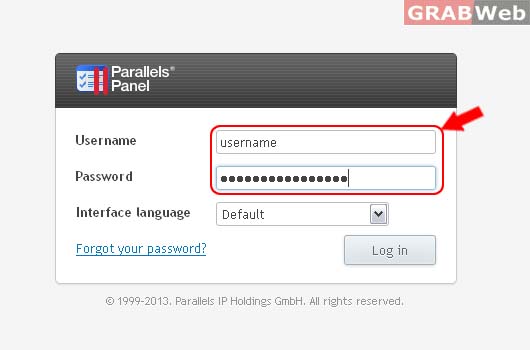
1) Login to Plesk control panel.
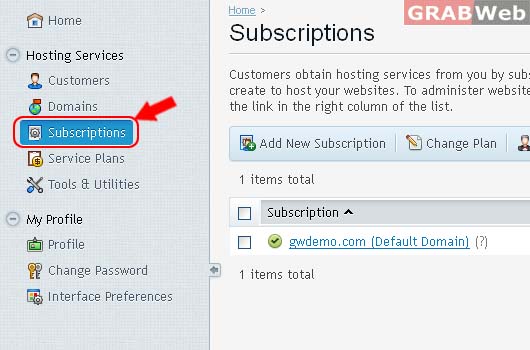
2) Click on Subscriptions.
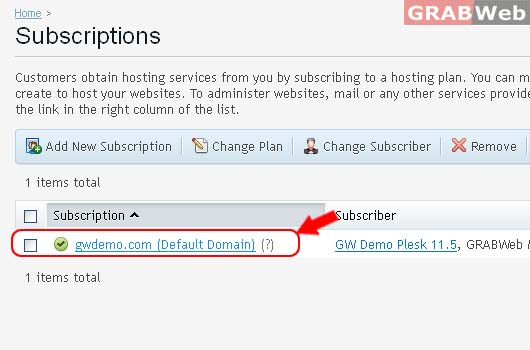
3) Select the corresponding Subscriptions from the list.
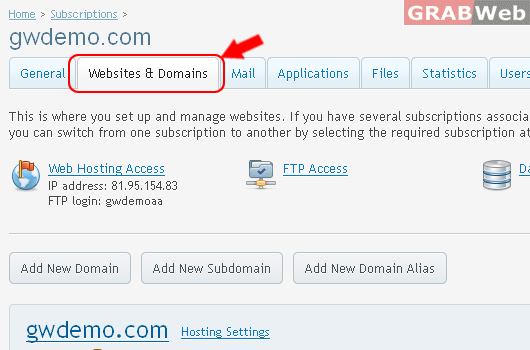
4) Click on Websites & Domains.
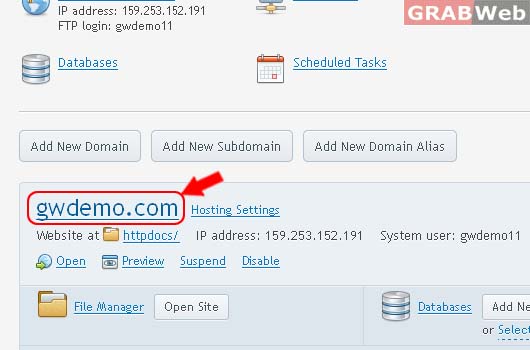
5) Click on Domain Name as marked in RED.
6) Click on Web Statistics
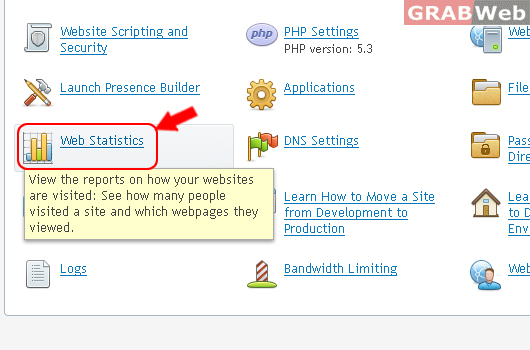
After clicked on Web Statistics You will see pop screen.
