
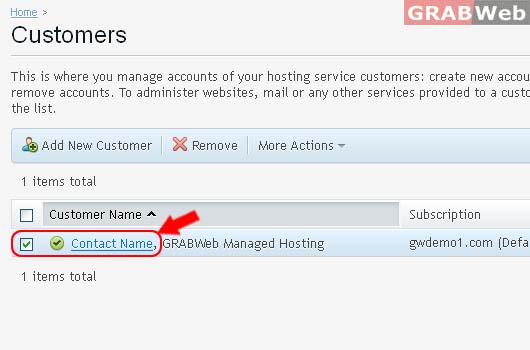
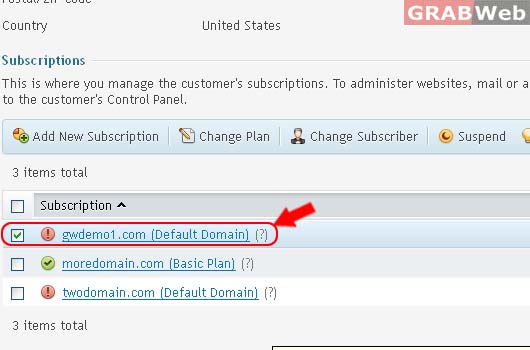
To activate particular customer's subscription or subscriptions, go to Customer > Click Customer name and then select the corresponding checkboxes and click Activate.
Please follow the following steps:-
1) Login to Plesk control panel.

2) Click on Customers.
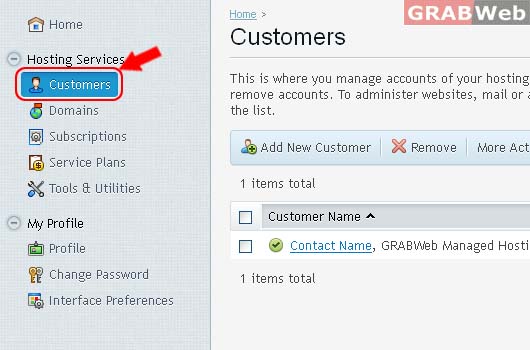
3) Click on Customer Name from the list.
4) Select the corresponding Subscriptions from the list.
5) Click on Suspend.
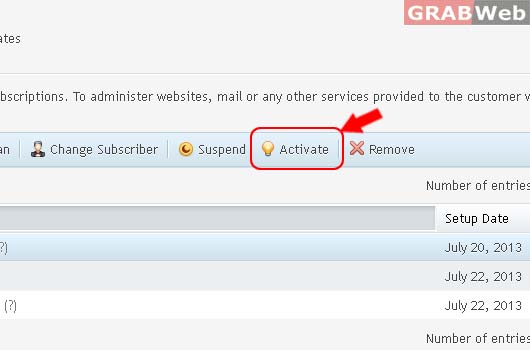
Information: Selected subscriptions were activated.
