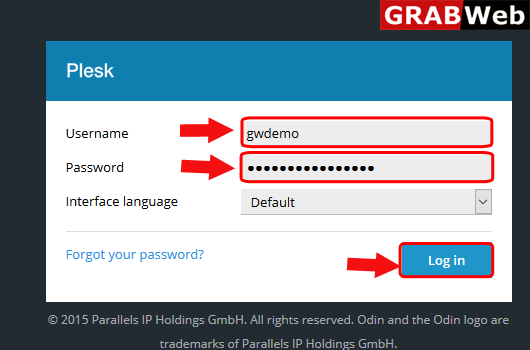
1)Login to Plesk control panel.
2)Click on Websites & Domains Tab.

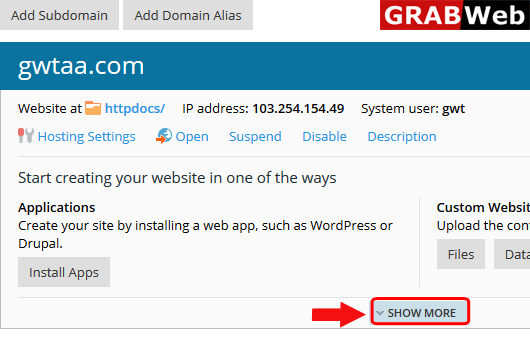
3)Click on SHOW MORE option.
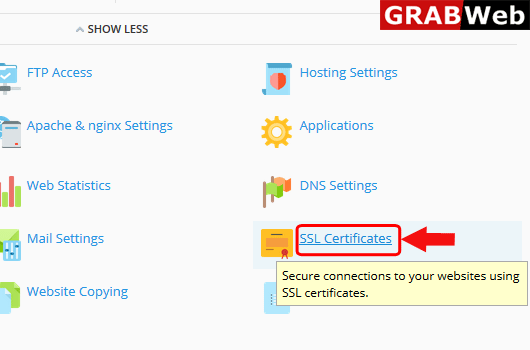
4)Click on SSL Certificates.
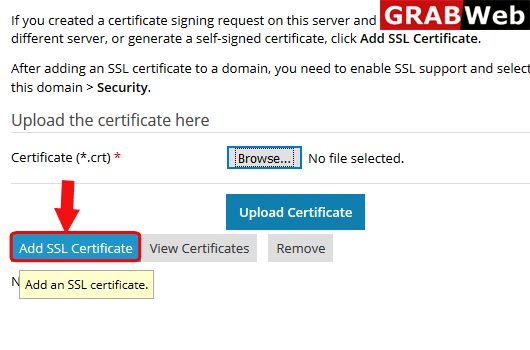
5)Here you can see you can upload the certificate from local computer or you can also add the SSL, Click on Add SSL Certificate.
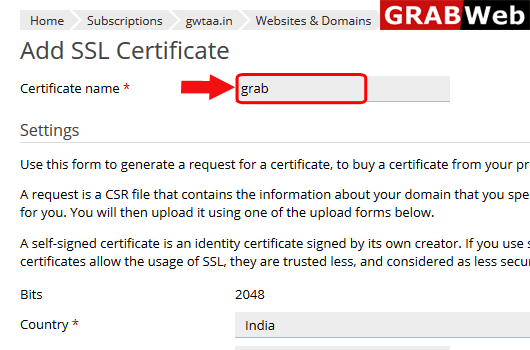
6)Enter the certificate name.
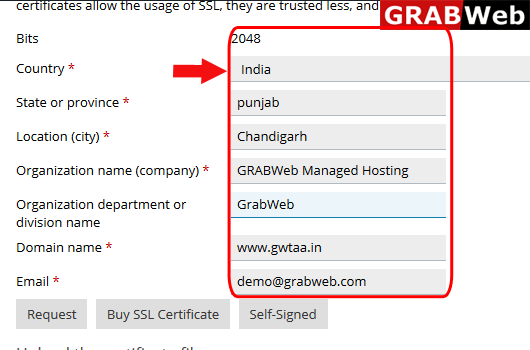
7)Enter the required information.
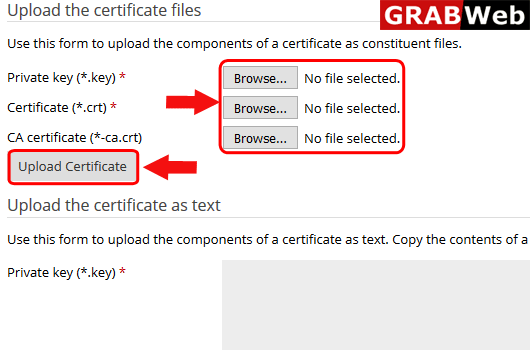
8)Upload the certificate keys and files.By using the way you can add the ssl certificate.