
1)Login to Plesk control panel.

2)Click on Websites & Domains Tab.

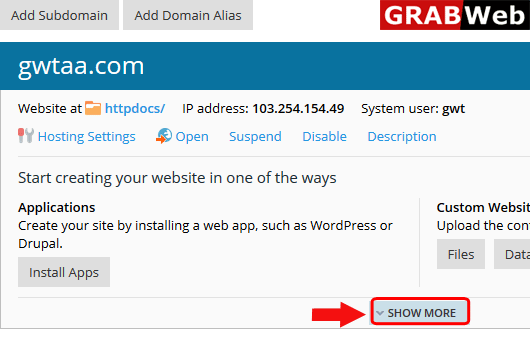
3)Click on SHOW MORE option.
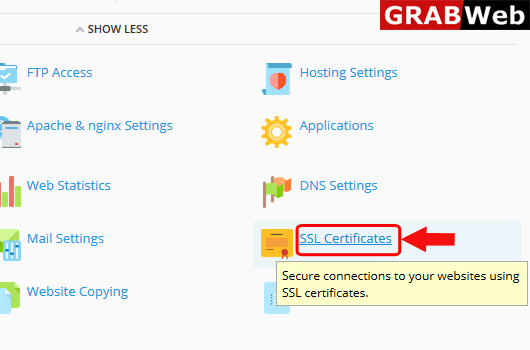
4)Click on SSL Certificates.
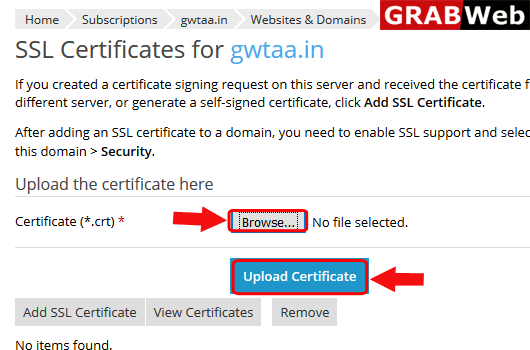
5)Upload the crt file and then click on Upload Certificate.
To add ssl certificate in subscription follow the following steps:-1)Login to Plesk control...
To remove SSL certificate in plesk follow the following steps:-1)Login to Plesk control...
To view SSL certificate in plesk follow the following steps:-1)Login to Plesk control...
