
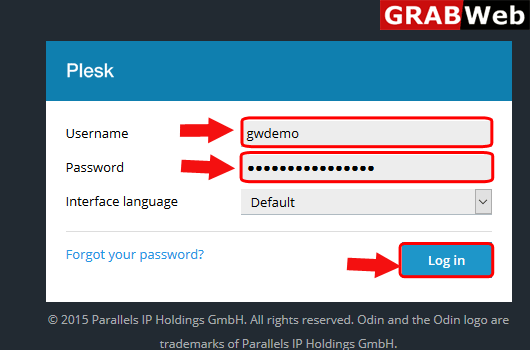
1)Login to Plesk control panel.
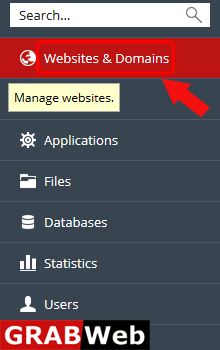
2)Click on Websites & Domains Tab.
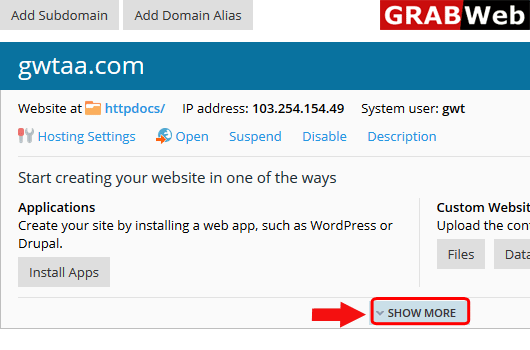
3)Click on SHOW MORE option.
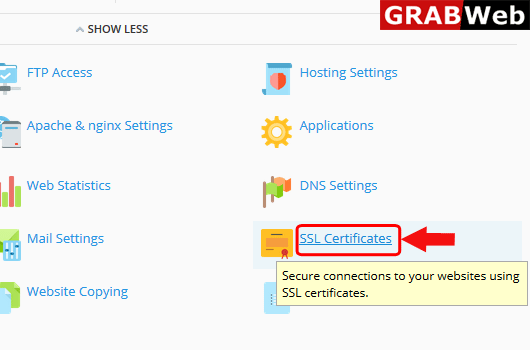
4)Click on SSL Certificates.
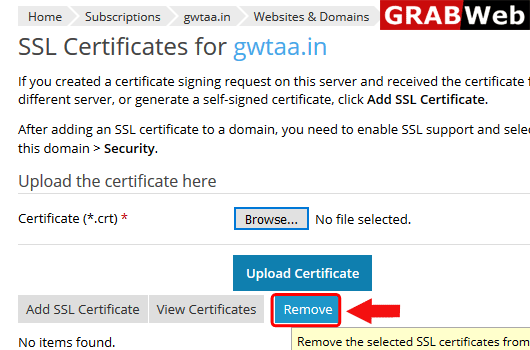
5)Select the certificate and then click on Remove.
To add ssl certificate in subscription follow the following steps:-1)Login to Plesk control...
To update SSL certificate in plesk follow the following steps:-1)Login to Plesk control...
To view SSL certificate in plesk follow the following steps:-1)Login to Plesk control...
