
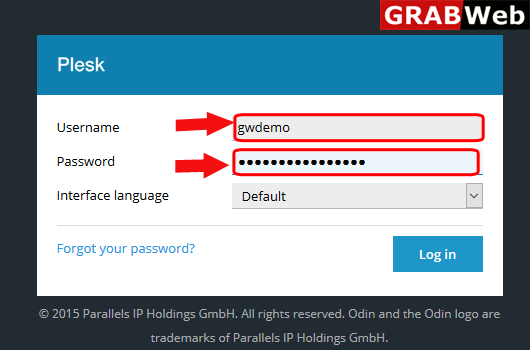
1)Login to Plesk control panel.
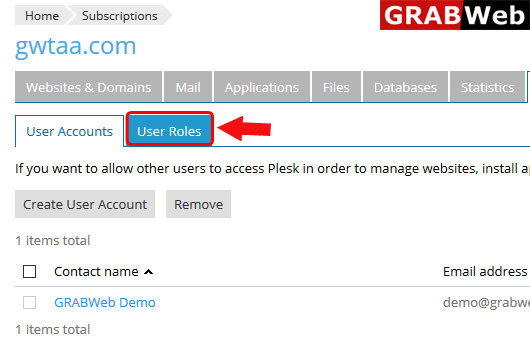
2)Click on Uers Tab.

3)Click on User Roles.
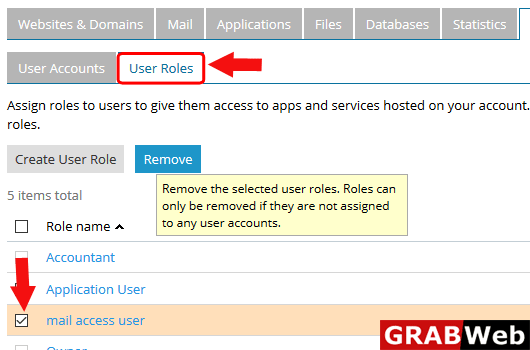
4)Select the user role name and then click on Remove,
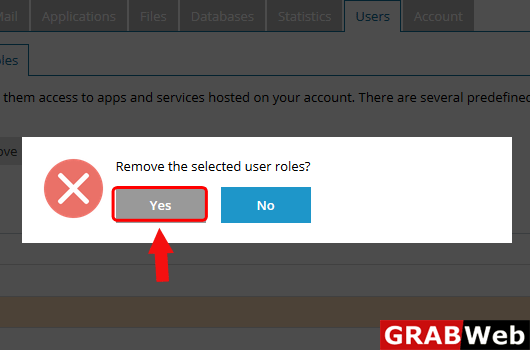
5)Click on Yes.
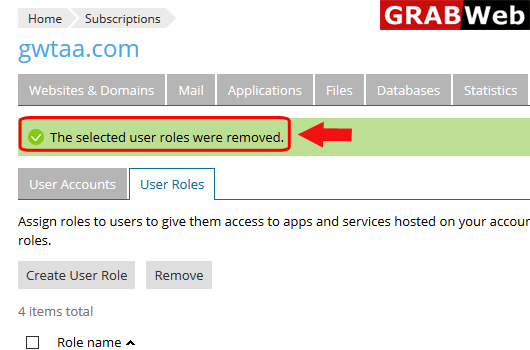
6)Here you can see the information that the selected user roles were removed.
To add user in plesk follow the following steps:-1)Login to Plesk control panel.2)Click on Users...
In user role you can mentioned the things which is only user can access.To create user role in...
To delete plesk user follow the following steps:-1)Login to Plesk control panel.2)Click on Users...
