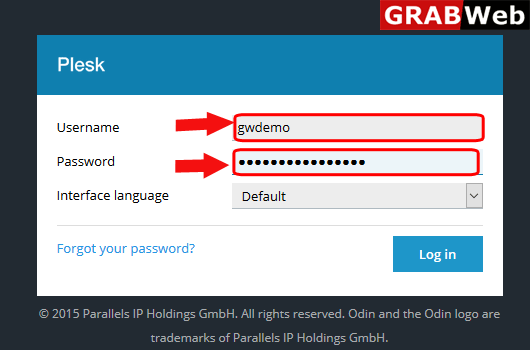
1)Login to Plesk control panel.
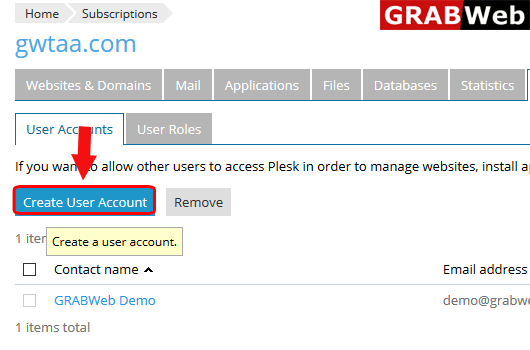
2)Click on Users Tab.

3)Click on Create User Account.
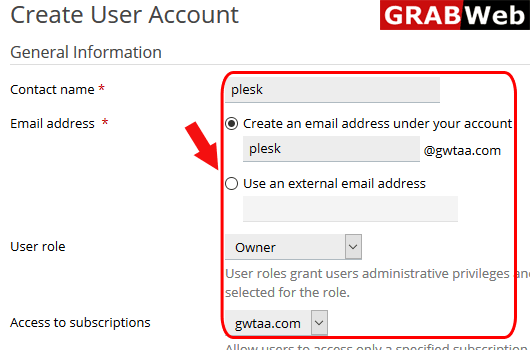
4)Here you can add the user name password,user role and the subscription name only that he can access.At the end click on OK.
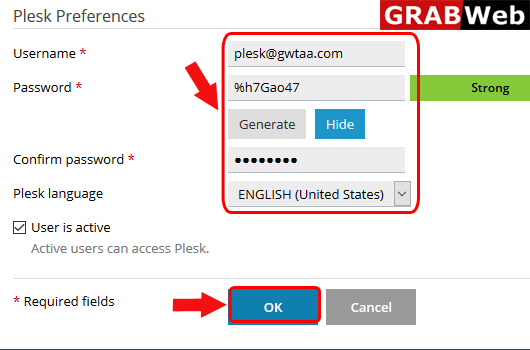
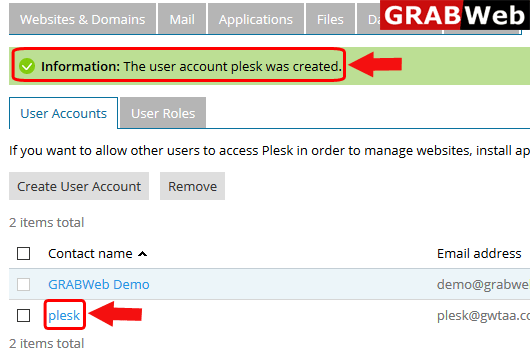
5)Here you can see the Information:The user account plesk was created.