
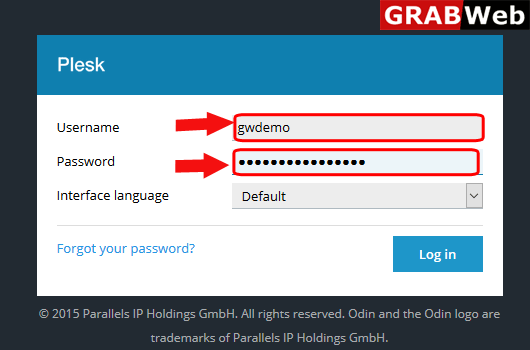
1)Login to Plesk control panel.
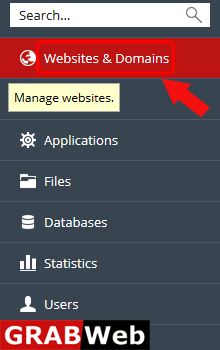
2)Click on Websites & Domains Tab.
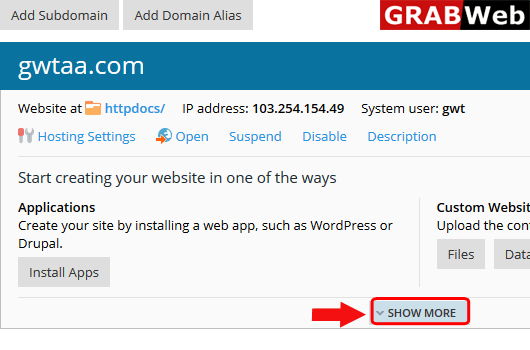
3)Click on Show More option.
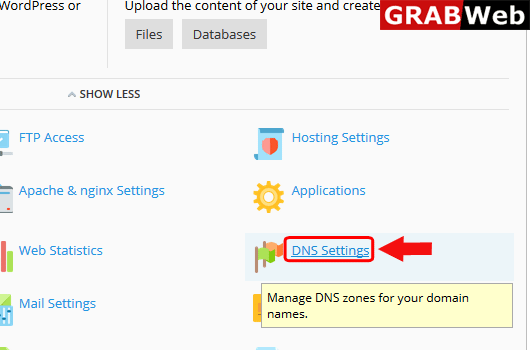
4)Click on DNS Settings.
5)Click on Disab;e.
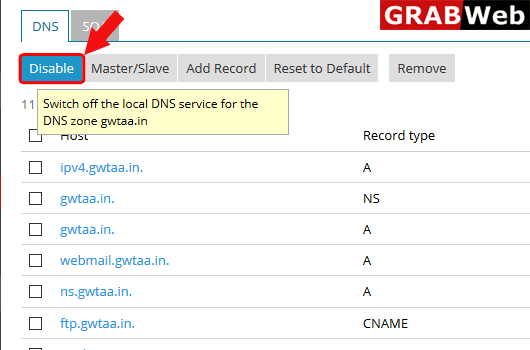
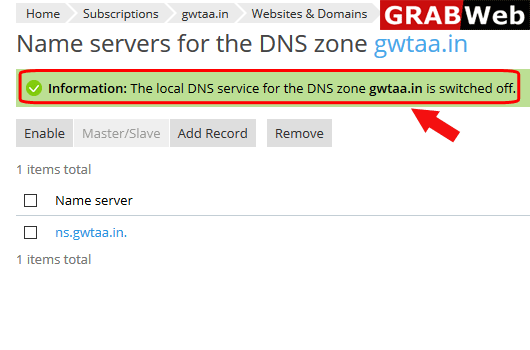
6)Here you can see the information:The local DNS service for DNS zone is switched off.
To add record in DNS follow the following steps:-1)Login to Plesk control panel.2)Click on...
To enable disabled DNS in plesk follow the following steps:-1)Login to Plesk control...
To remove record in DNS settings in plesk follow the following steps:-1)Login to Plesk control...
To set the record of DNS to default follow the following steps:-1)Login to Plesk control...
