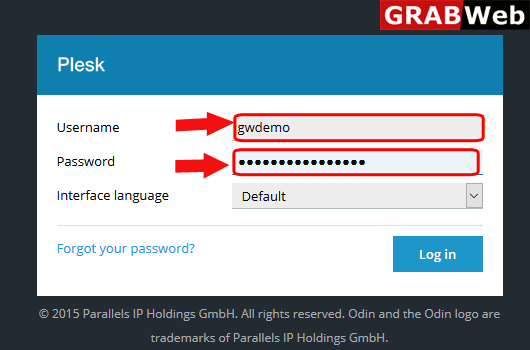
1)Login to Plesk control panel.
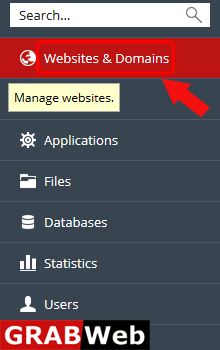
2)Click on Websites & Domains Tab.
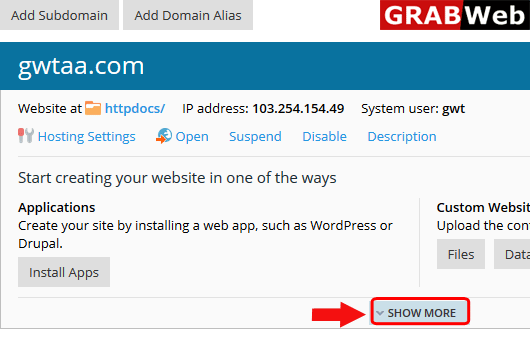
3)Click on Show More option.
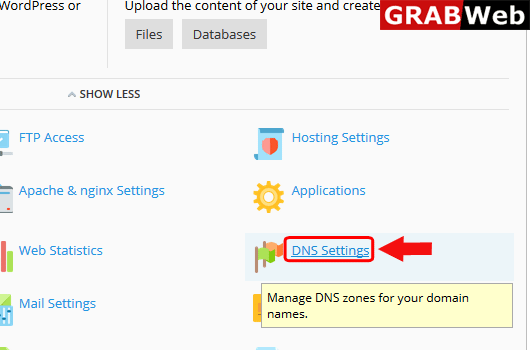
4)Click on DNS Settings.
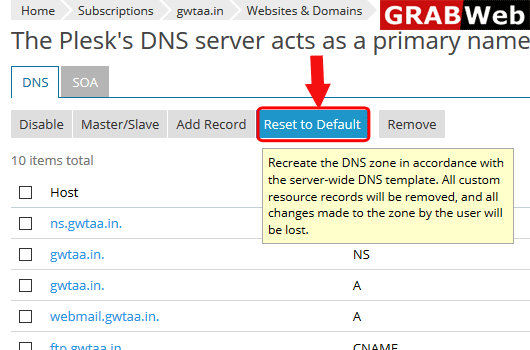
5)Here you can see the optiomn Reset to Default,Click on that.
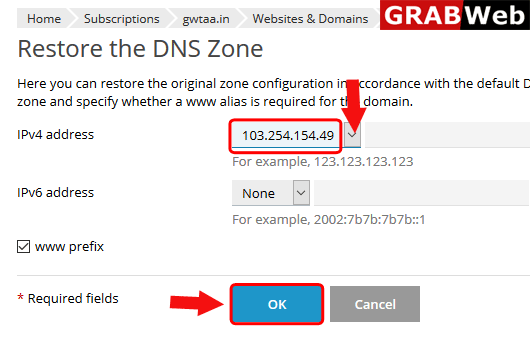
6)Select the ip and then click on OK.
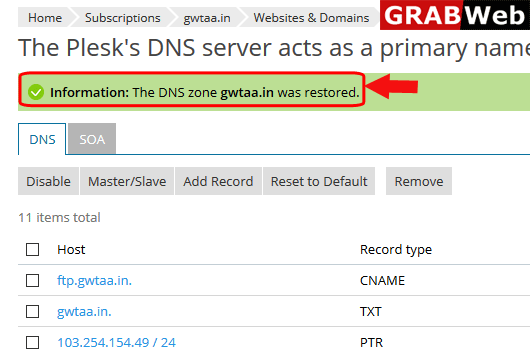
7)Here you can see the Information: The DNS zone was restored.