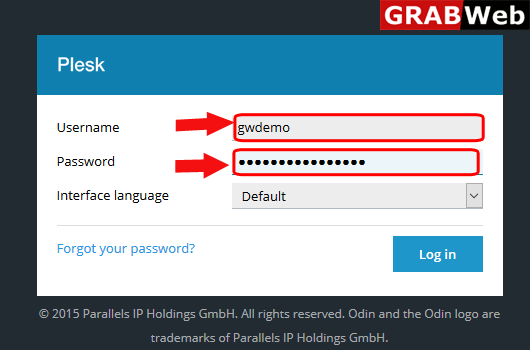
1)Login to Plesk control panel.
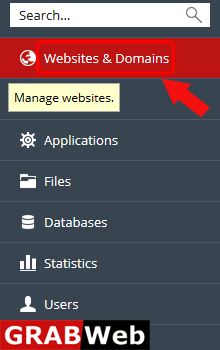
2)Click on Websites & Domains Tab.
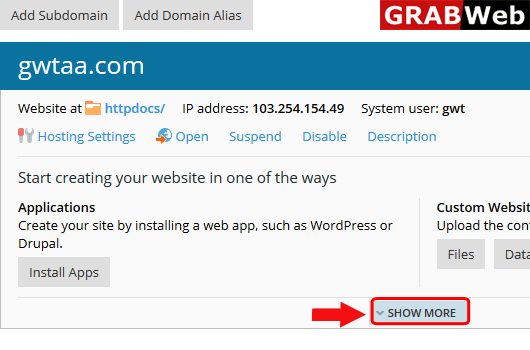
3)Click on show More option.
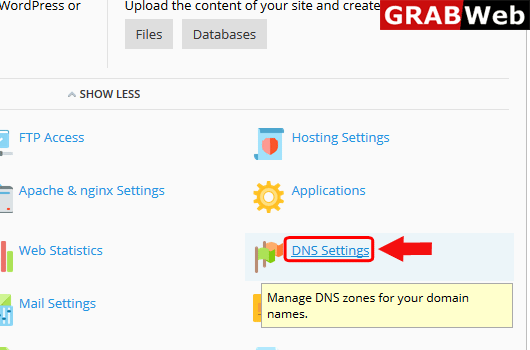
4)Click on DNS Settings.
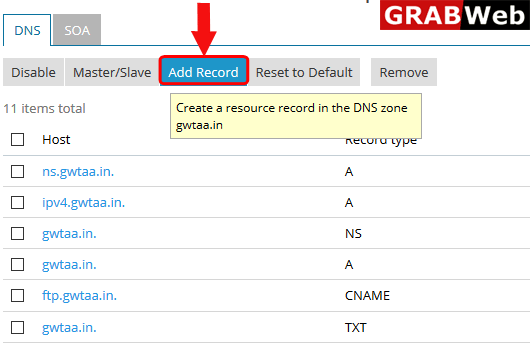
5)Click on Add Record.
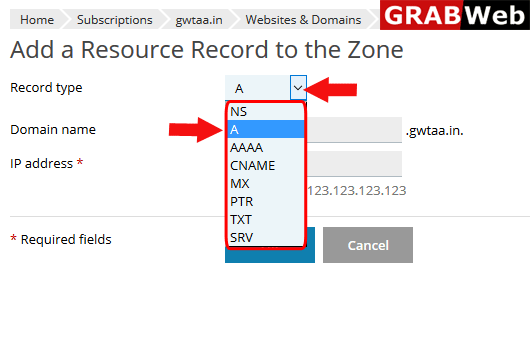
6)Here you can select the record type,which type of record you want to add.
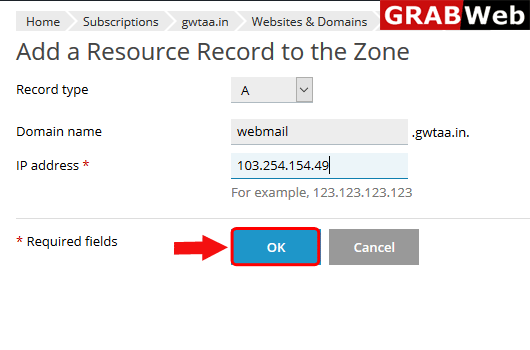
7)Select the record and then fill the required information,at the end click on OK.
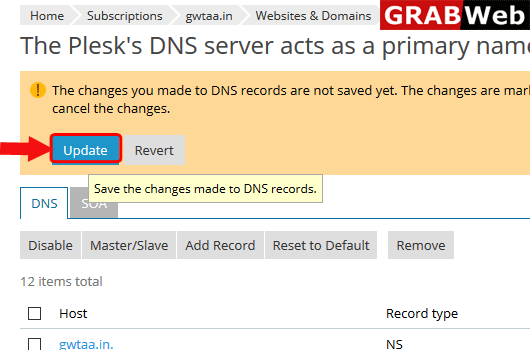
8)After add the record plesk will ask you for update the record,Click on Update.
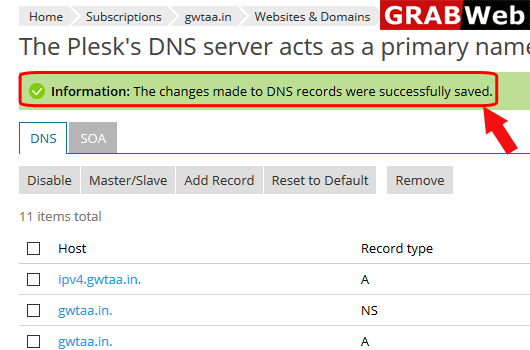
9)Here you can see the information that the changes made to DNS records were successfully saved.