
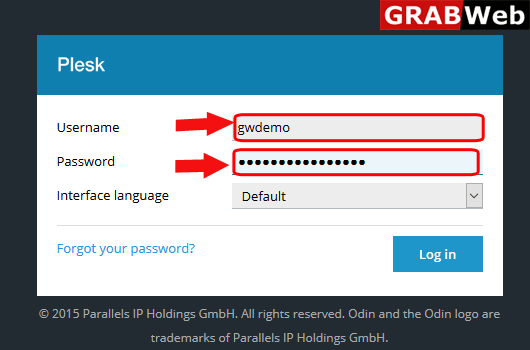
1) Login to Plesk control panel.
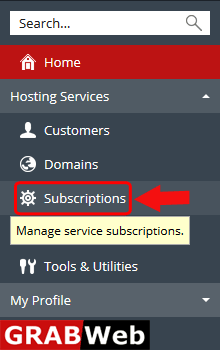
2)Click on Subscriptions.
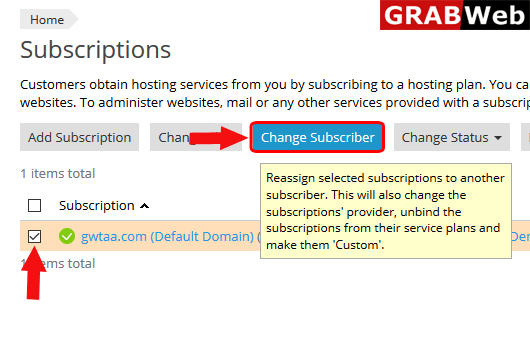
3)Select the checkbox of subscription whos subscriber you want to change, then click on Change Subscriber.
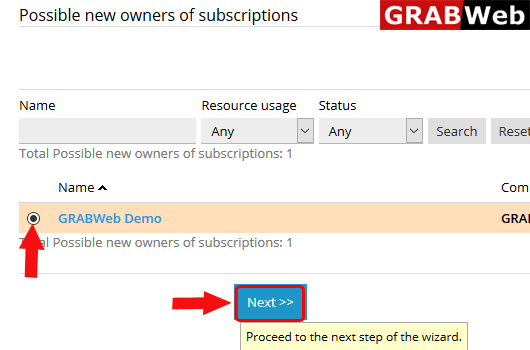
4)Select the new subscriber and click on NEXT.
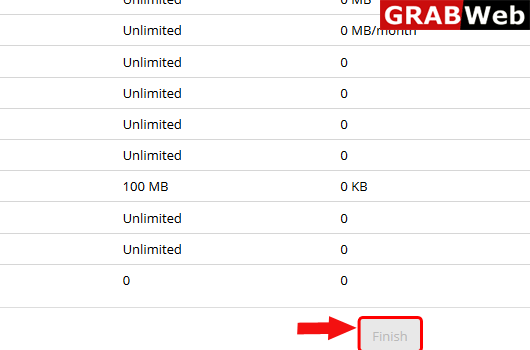
5)At last click on finish.
To Activate Suspended Subscription in plesk follow the following steps:-1)Login to Plesk control...
To add subscription in plesk follow the following steps:-1)Login to Plesk control panel.2) Click...
To change ip address of a subscription follow the following steps:-1)Login to Plesk control...
To Change plan of a subscription in plesk follow the following steps:-1)Login to Plesk control...
To remove subscription follow the following steps:-1)Login to Plesk control panel.2)Click on...
