
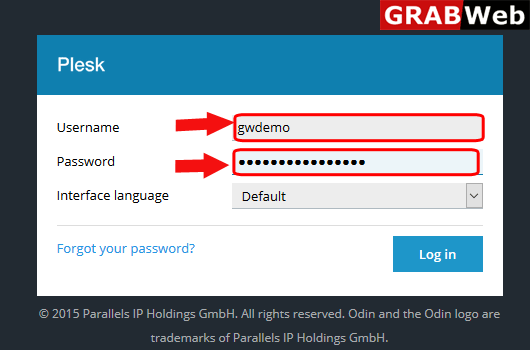
1)Login to Plesk control panel.
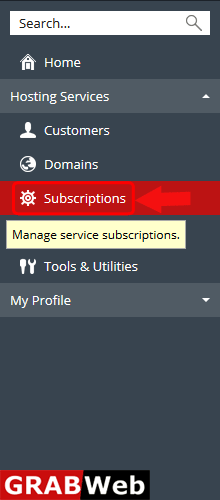
2) Click on Subscriptions.
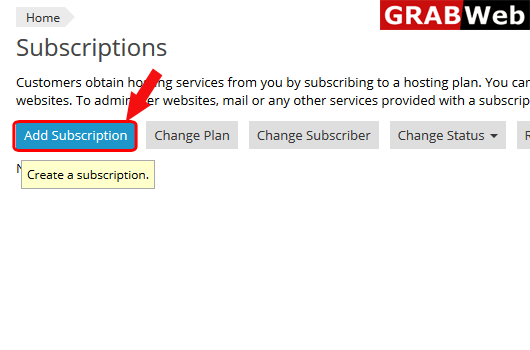
3)Click on Add Subscription tab.
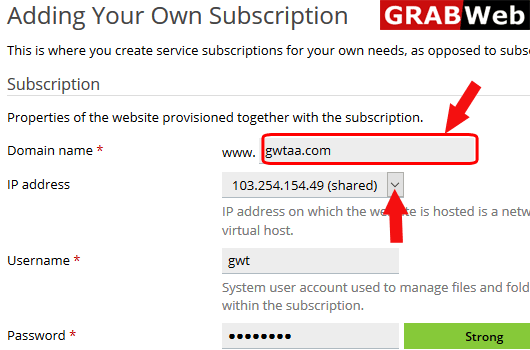
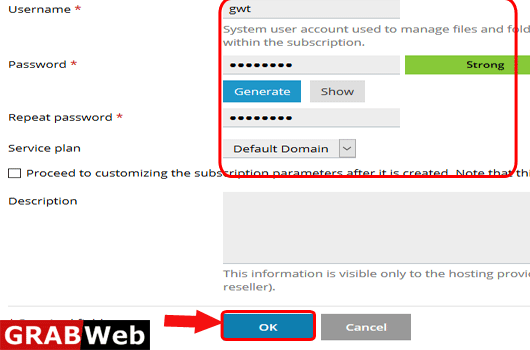
4) Fill the required information as shown and marked bellow and click on OK.
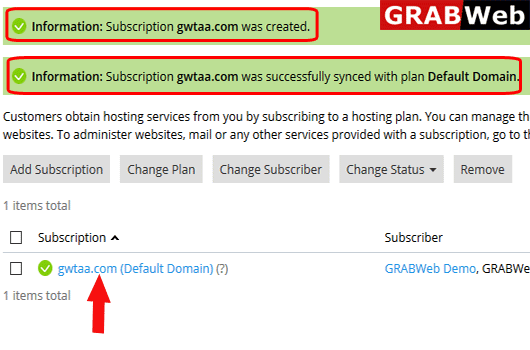
5)Here you can see the information that your subscription was created.
To Activate Suspended Subscription in plesk follow the following steps:-1)Login to Plesk control...
To change ip address of a subscription follow the following steps:-1)Login to Plesk control...
To Change plan of a subscription in plesk follow the following steps:-1)Login to Plesk control...
To remove subscription follow the following steps:-1)Login to Plesk control panel.2)Click on...
To change subscriber of a subscription follow the following steps:-1) Login to Plesk control...
