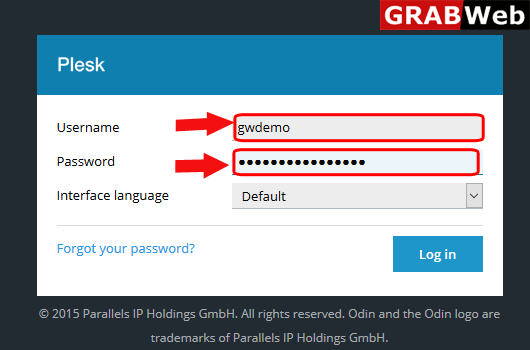
1)Login to Plesk control panel.
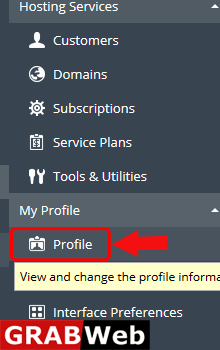
2)Click on Subscriptions.
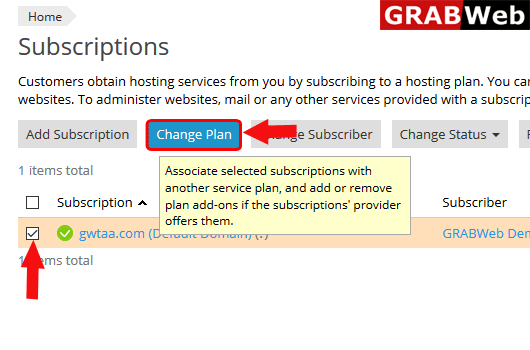
3)Select the checkbox of the subscription whos plan you want to chane and then click on change plan.
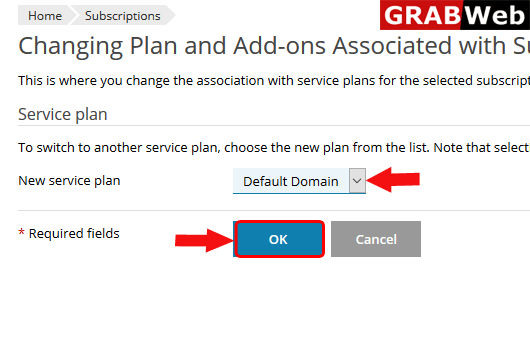
4)Select the plan from New service paln and click on Ok.
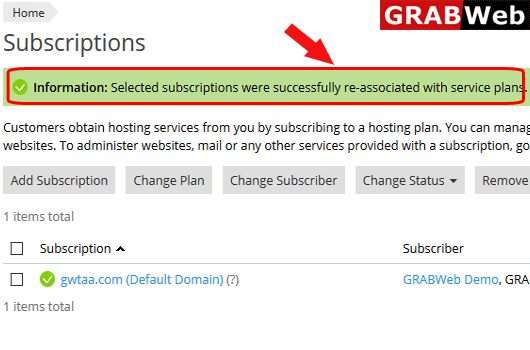
5)Here you can see the information that paln was changed.