1)Login to Plesk control panel.

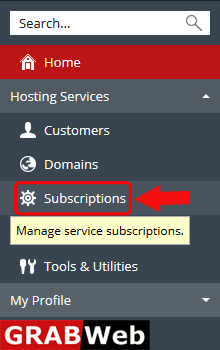
2) Click on Subscriptions.
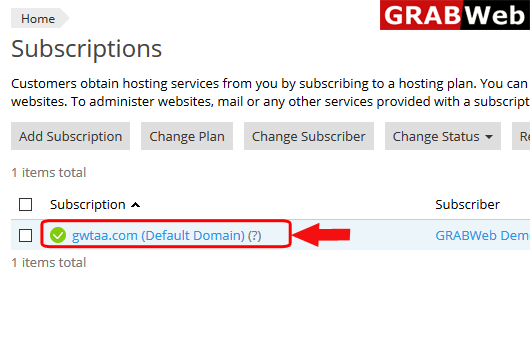
3)Click on Subscriptions Name whos ip you want to change.
4)Click on Show More button.
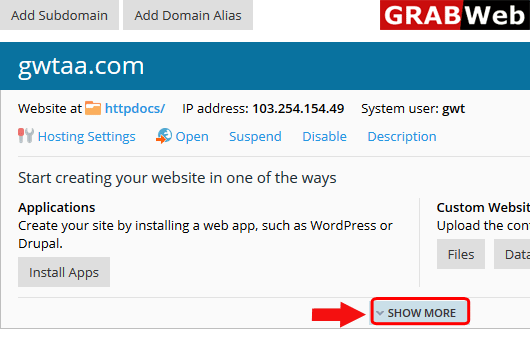
5)Here you can see the option Web Hostingh Access click on that.
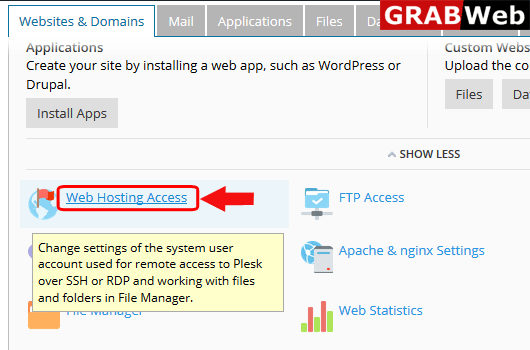
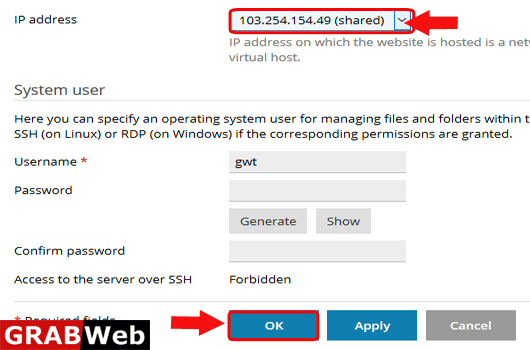
6)Click on ip address as shown bellow and select the new ip then click on OK.