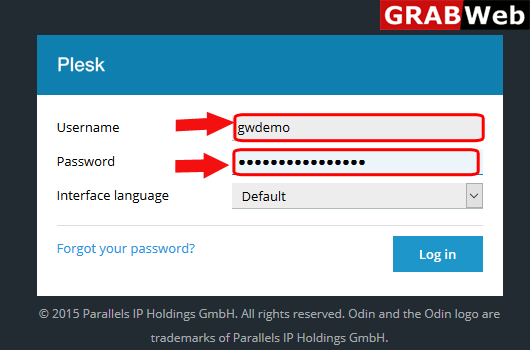
1)Login to Plesk control panel.
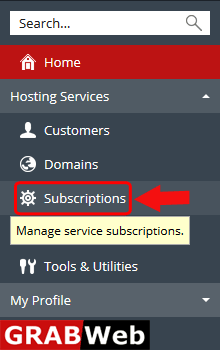
2) Click on Subscriptions.
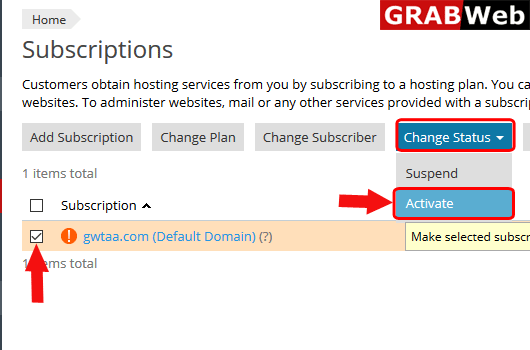
3) Select the check box of Suspended Subscription or the subscription which you want to activate then click on Change Status tab and click on Activate.
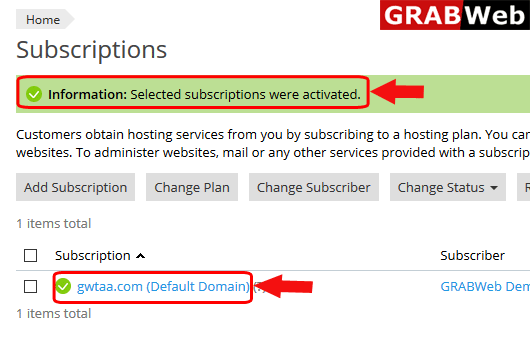
4) Here you can see the information that Selected Subscriptions were activated.