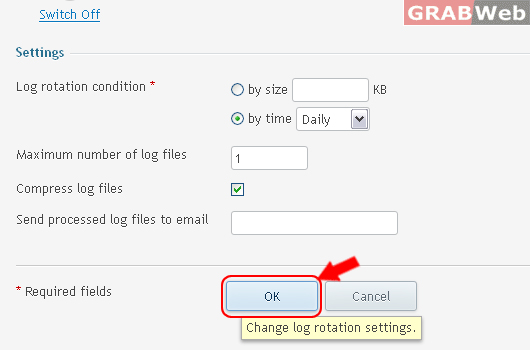
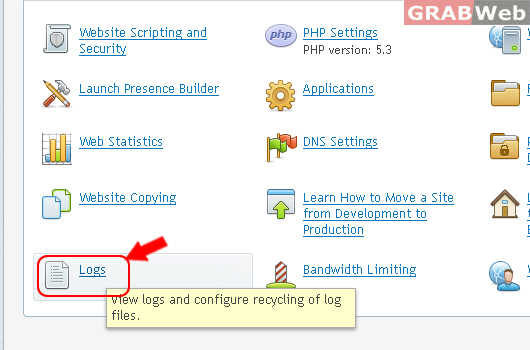
View logs and configure recycling of log files.
Please follow the following steps:
1) Login to Plesk control panel.
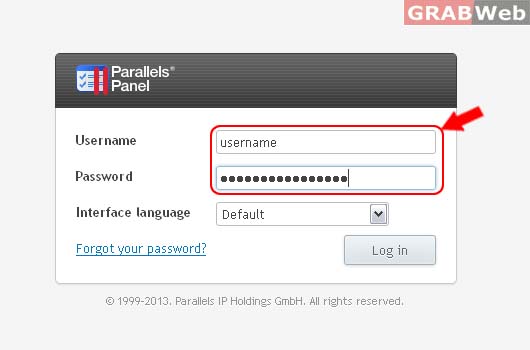
2) Click on Subscriptions.

3) Select the corresponding Subscriptions from the list.

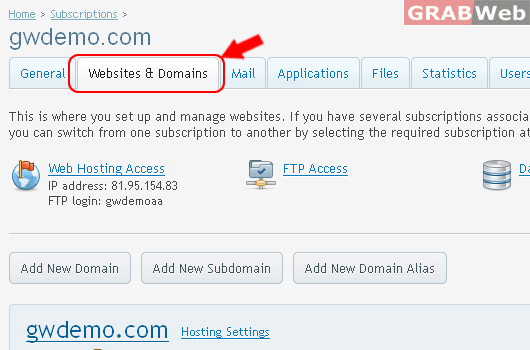
4) Click on Websites & Domains.
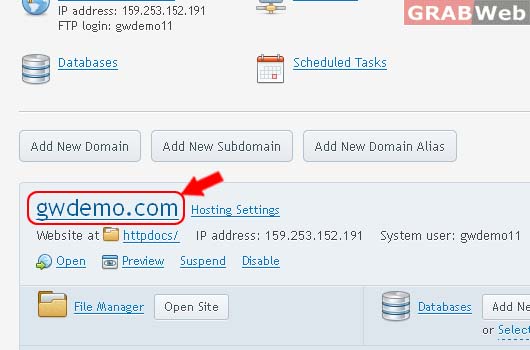
5) Click on Domain Name as marked in RED.
6) Click on Logs.
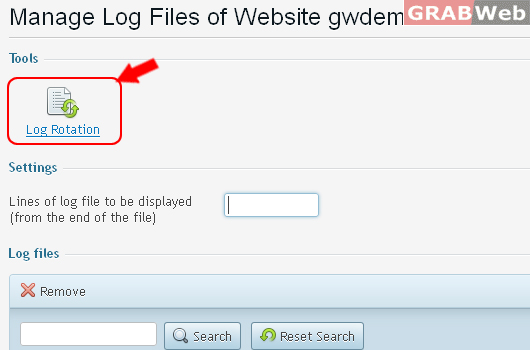
7) Click on Log Rotation.
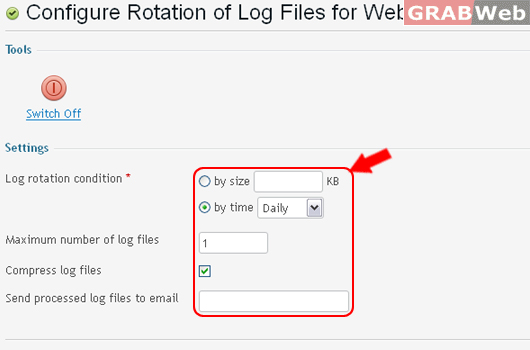
8) Enter the details as marked in RED.
9) Click Ok.