
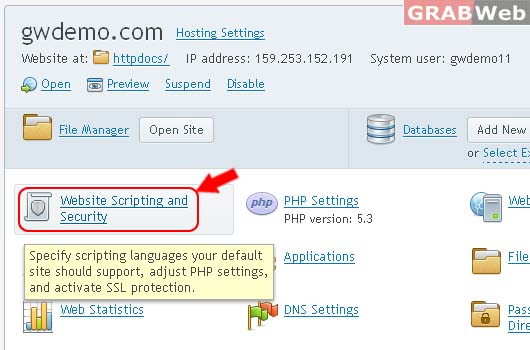
Specify scripting languages your default site should support, adjust PHP settings, and active SSL protection.
Please follow the following steps:
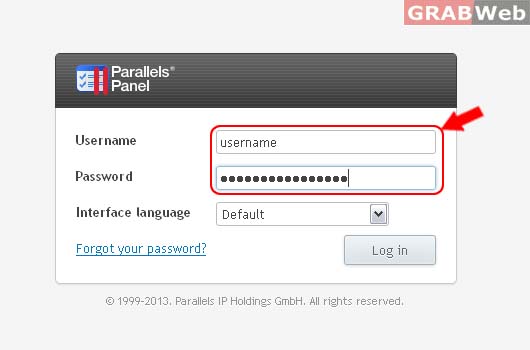
1) Login to Plesk control panel.
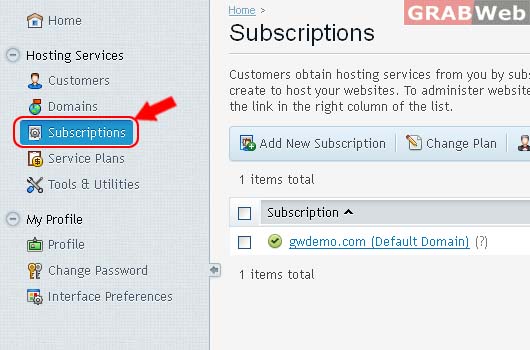
2) Click on Subscriptions.
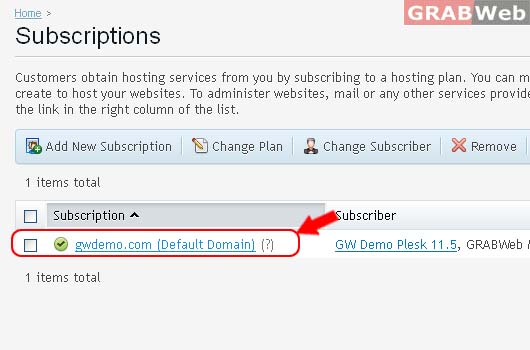
3) Select the corresponding Subscriptions from the list.
4) Click on Websites & Domains.
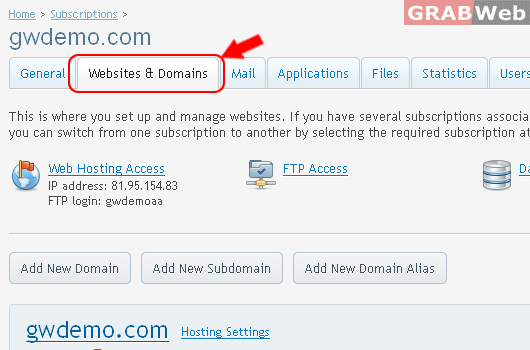
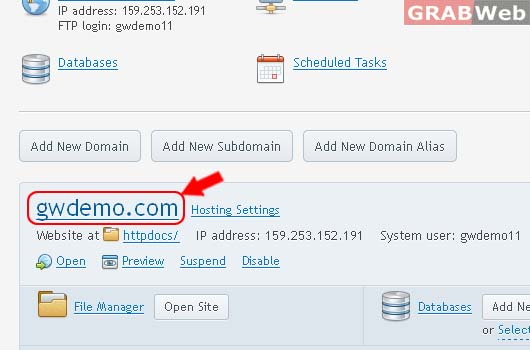
5) Click on Domain Name as marked in RED.
6) Click on Website SCripting and Security.
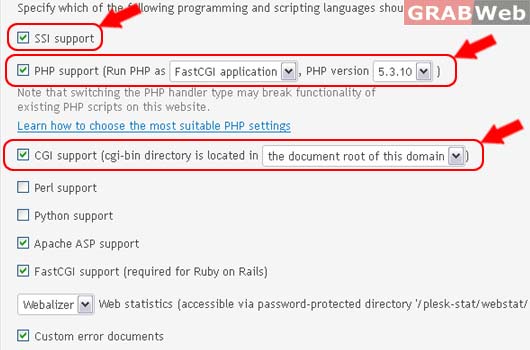
7) Manage SSI / SSL / PHP as marked in RED.
8) Click ok.
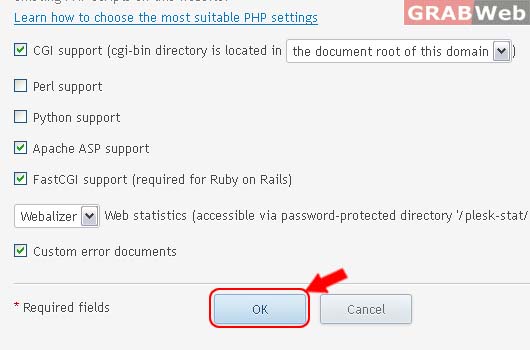
Information: The settings were successfully updated.
