
The website will stop being hosted on the server and will be unavailable except by FTP clients and File Manager. Visitors will see the web server's defalt page.
Please follow the following steps:
1) Login to Plesk control panel.
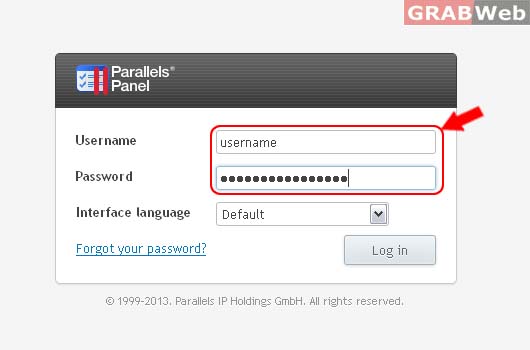
2) Click on Subscriptions.

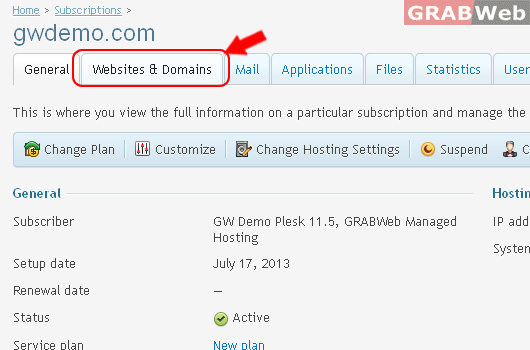
3) Select the corresponding Subscriptions from the list.

4) Click on Websites & Domains.
5) Click on Disable.
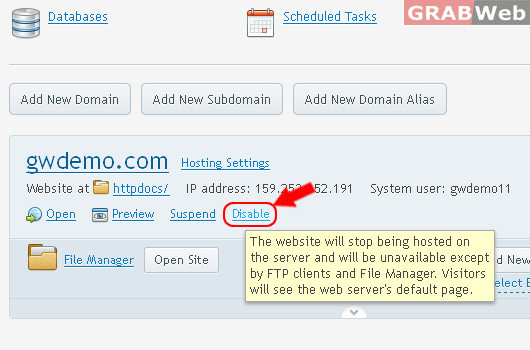
Information: The website status for gwdemo.com was successfully changed.
Activate suspended Subscription.
6) Clickon Activate.
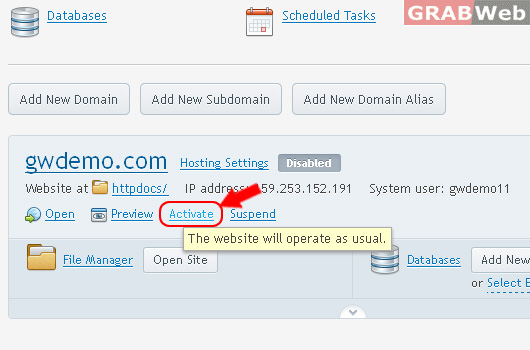
Information: The website status for gwdemo.com was successfully changed.
