
Please follow the following steps:-
1) Login to Plesk control panel.

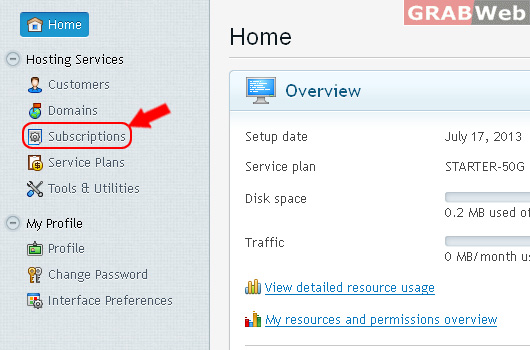
2) Click on "Subscriptions".
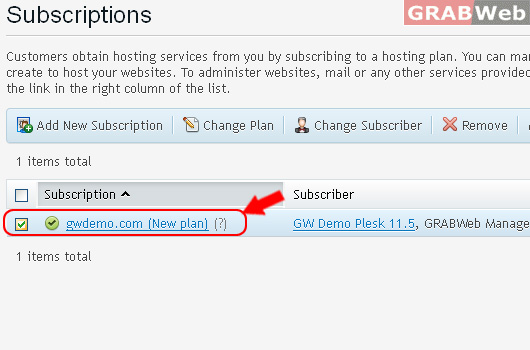
3) Select the corresponding Subscription from the list as marked RED.
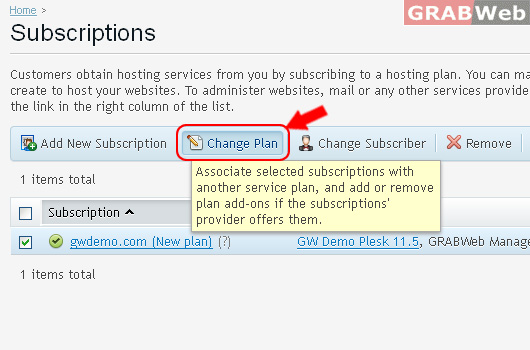
4) Click on "Change Plan"
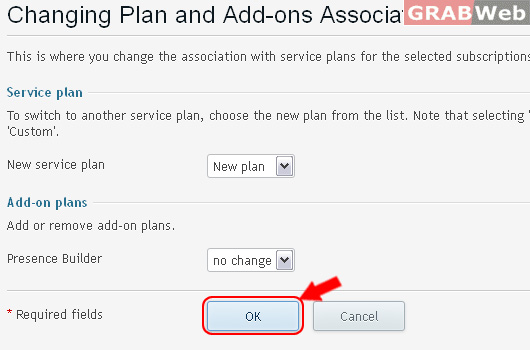
5) Select Service plan from drop down menu as marked in RED.
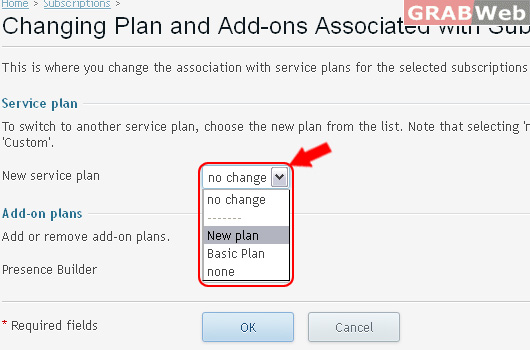
6) Click OK.
Information: Selected subscriptions were successfully re-associated with service plans.
