
To Change IP address of subscription in Reseller Account.
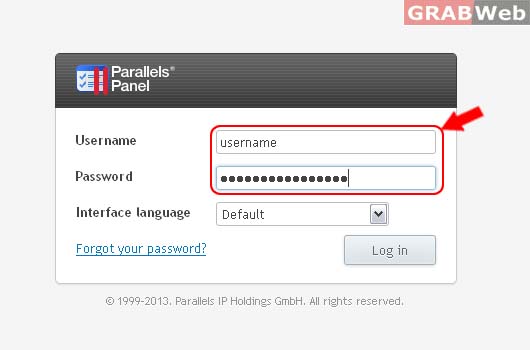
Please follow the following settings:-
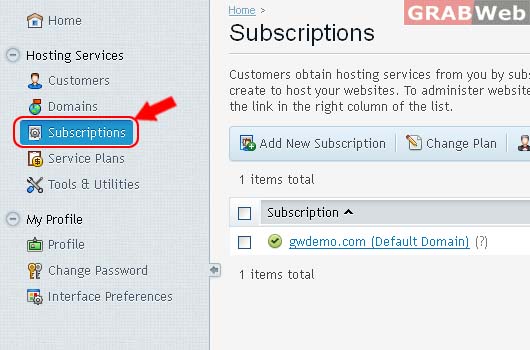
2) Click on Subscriptinos.
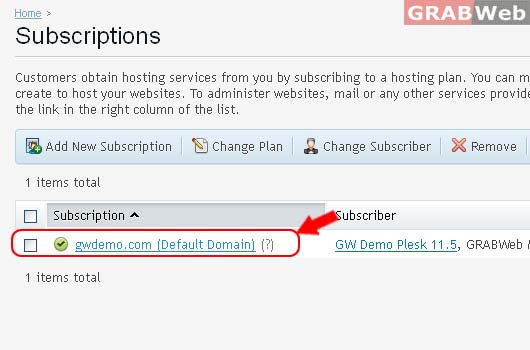
3) Select the corresponding Subscriptions from the list.
4) Click on Websites & Domains > Click Web Hosting Access

5) Select the IP as marked in RED.
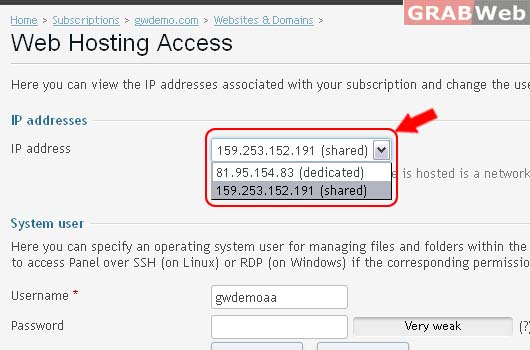
6) Click Ok.
