
To remove subscriptions, go to Subscriptions, select the corresponding checkboxes and click Remove.
Please follow the following steps:
1) Login to Plesk control panel.

2) Click on Subscriptions.

3) Select the corresponding Subscriptions from the list.

4) Click on Remove.

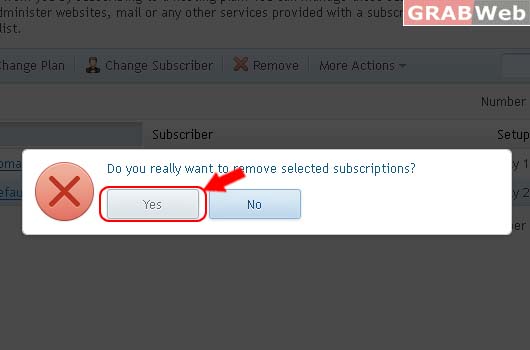
Do you really want to remove selected subscriptions?
Clicik Yes
Information: Selected subscriptions were removed.
