
Application Vault
View information about apps installed on websites.
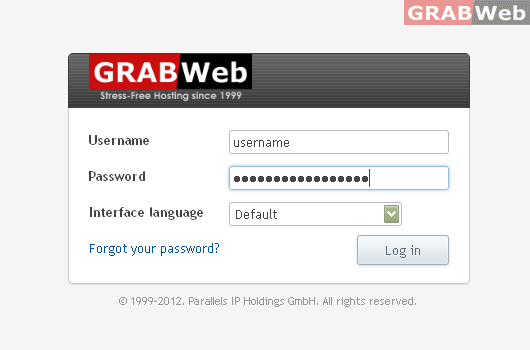
1) Login to Plesk control panel.
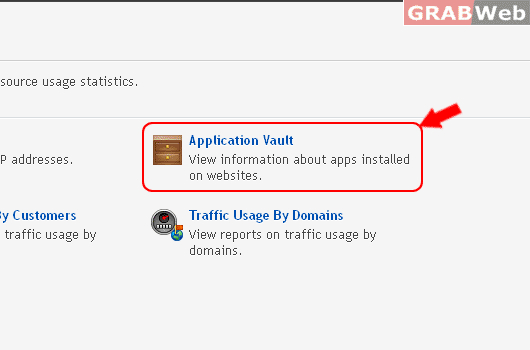
2) Click Tools & utilities and then Click on Application Vault
The list below shows information about all app installations on your sites and on the sites of your customers. Click an app name to see a list of websites on which the app is installed, and to check for updates for the app.
