
IP Addresses
To View allocated IP addresses.
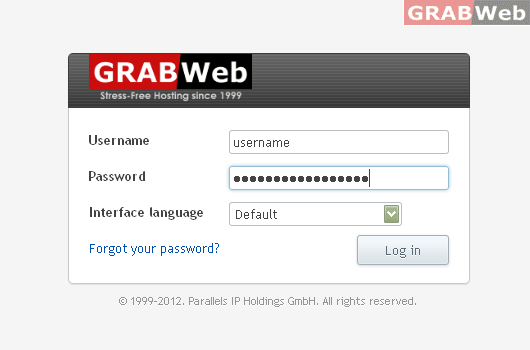
1) Login to Plesk control panel.
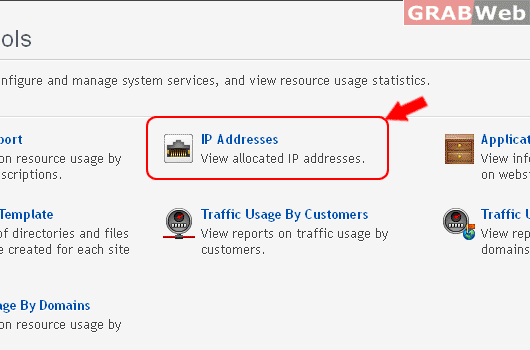
2) Click Tools & utilities and then Click on IP Addresses
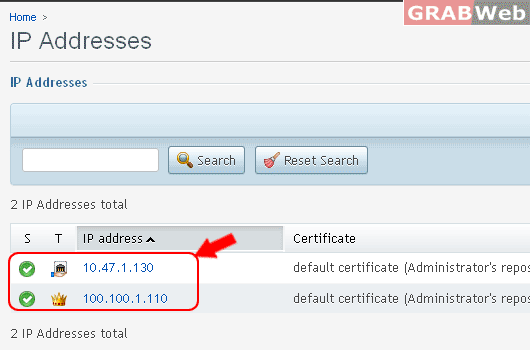
3) There you can see lis of IP addresses.
To View allocated IP addresses.
1) Login to Plesk control panel.
2) Click Tools & utilities and then Click on IP Addresses
3) There you can see lis of IP addresses.
Reseller Tools This is where you configure and manage system services, and view resource usage...
Summary Report View reports on resource usage by users and subscriptions. 1) Login to Plesk...
Application Vault View information about apps installed on websites. 1) Login to Plesk control...
Virtual Host Template Define a set of directories and files that should be created for each site...
Traffic Usage By Customers View reports on traffic usage by customers. 1) Login to Plesk...
