To change the web hosting type in the Plese please follow the following settings:-
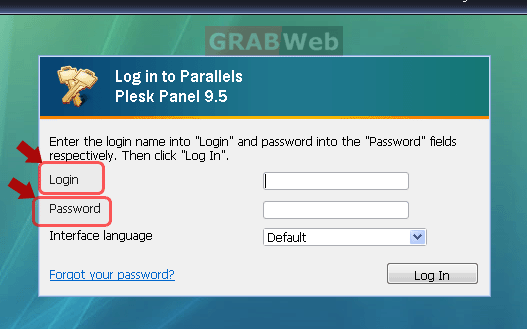
1) Login to Plesk control panel.
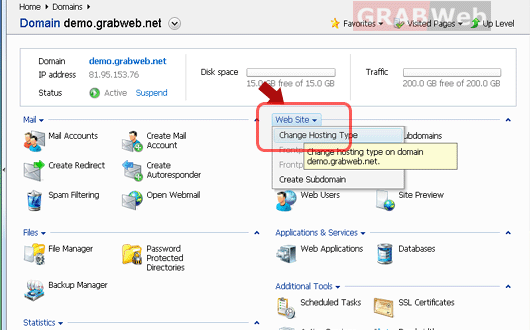
2) Click on Websites category and then "Web hosting type".
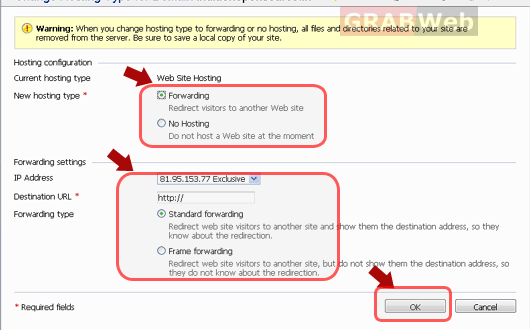
3) Select the hosting type from the two options :-
Forwarding :-You will get 2 options if you select forwarding.
a) Standard forwarding:- In this a user is redirected to the site and the actual
site's URL is shown in the user's browser, so the user always knows that
he or she is redirected to another URL.
b) Frame forwarding:- In this a user is redirected to the site without knowing
that the site actually resides at another location, therefore, Frame
forwarding should be preferred.
4) Specify the destination URL: the current Web site address that you would like this
domain to point to.