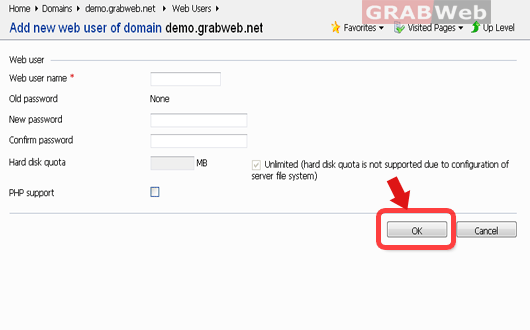
Web users are primarily used for creating an additional login for a directory on your account.
(ie: If your domain is your-domain.com and web user is ‘principal,’ the web user would have
a separate login for domain.com/~principal).
To create the web users in Plesk Please follow the following steps:-
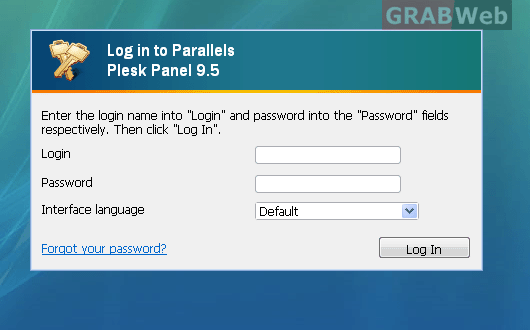
1) Login to Plesk control panel.
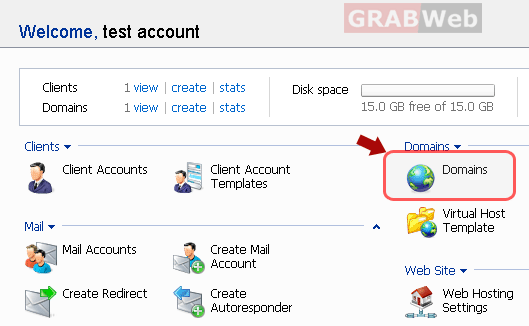
2) Click the "Domains" shortcut in the navigation panel.
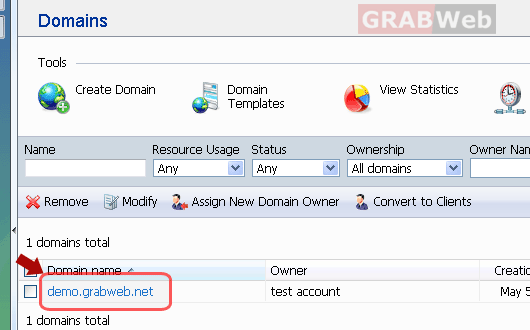
3) Click the required domain name in the list.
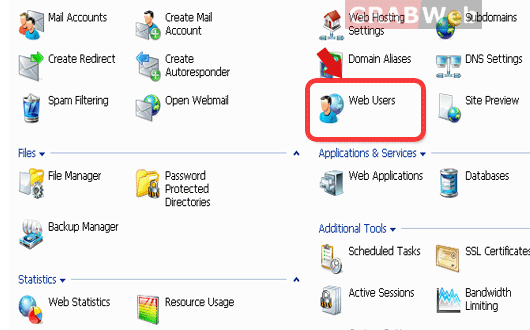
4) Click on the ‘Web Users’ button. This will take you to the web users manager.
5) Add a new web user by clicking the corresponding button (Add New Web User).
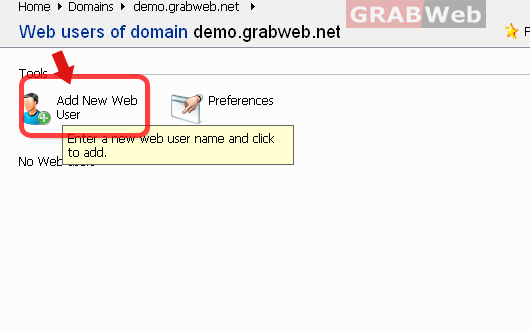
6) Enter the web user name and password. Click the ‘OK’ button to save your changes.