
To Suspend Customer's Account in Reseller Account, please follow the following steps :-
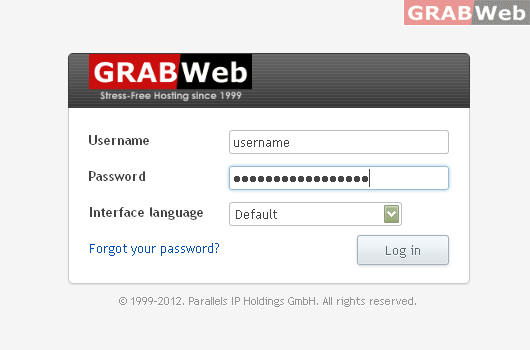
1) Login to Plesk control panel.
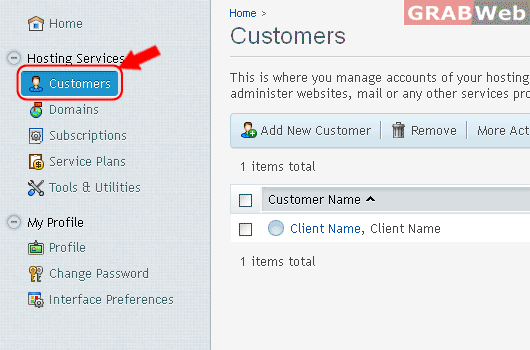
2) Click on "Customers".
3) Select the account which you want to "Suspend".

4) Click on "Suspend" option that will render when you click on "More Action".
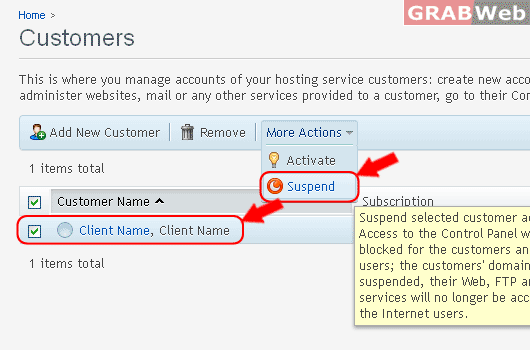
5) A red color circle will come infront of the customer name which shows it as suspended.
