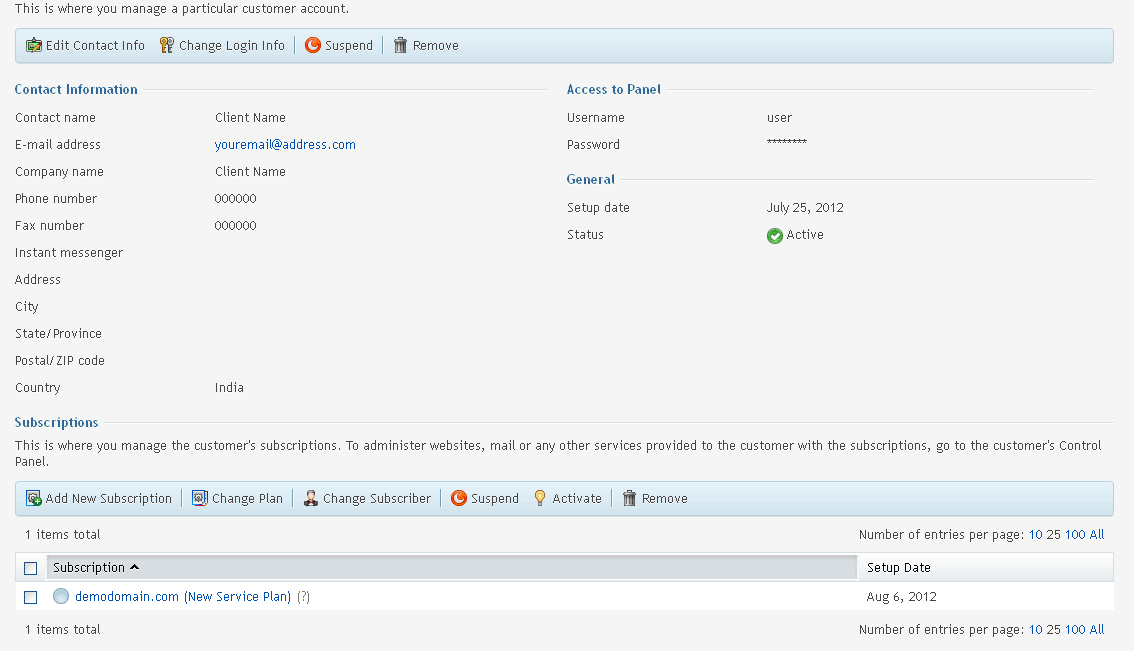
To Manage a Particular Customer Account in Plesk, please follow the following steps:-
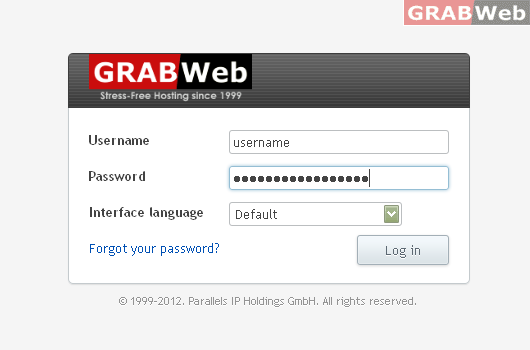
1) Login to your Plesk control panel.
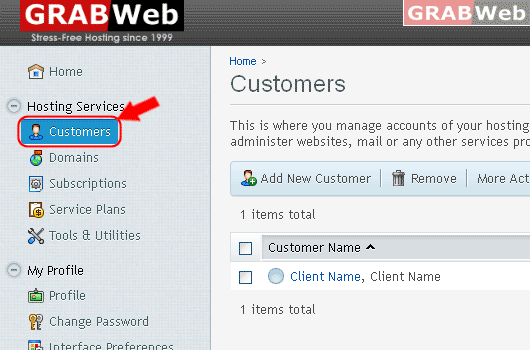
2) Click on Customers.
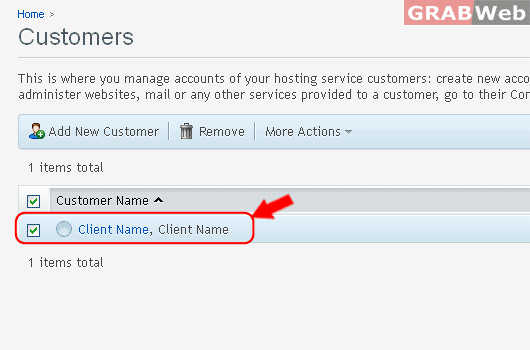
3) Click on Customer name from the list.
This is where you manage a particular customer account.
To Manage a Particular Customer Account in Plesk, please follow the following steps:-
1) Login to your Plesk control panel.
2) Click on Customers.
3) Click on Customer name from the list.
This is where you manage a particular customer account.
How to activate suspended client in Reseller Account, please follow the following steps:- 1)...
To How to Add New Subscriptino into Customer in Reseller Account, please follow the following...
To Add New Customer with Subscription and without Subscrption, please follow the following steps...
To Change Customer Login info in Reseller Account, please follow the following steps:- 1) Login...
To Edit and Change Client Contact Information in Reseller Account, please follow the following...