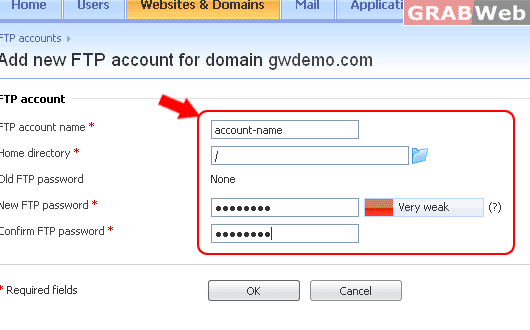
If you are subscribed to several hosting packages and have access to several webspaces associated with your account, in the Subscription menu at the top of the screen, select the required webspace.
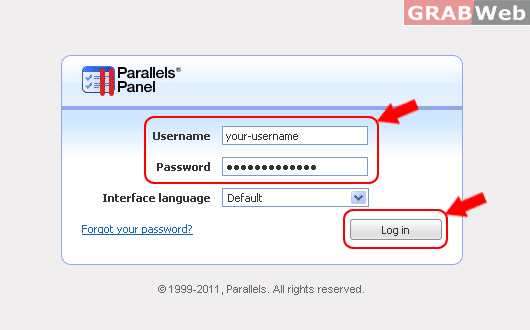
1) Login to Plesk control panel.
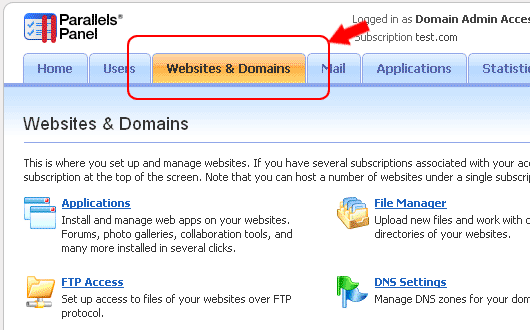
2) Click the Websites & Domains tab.
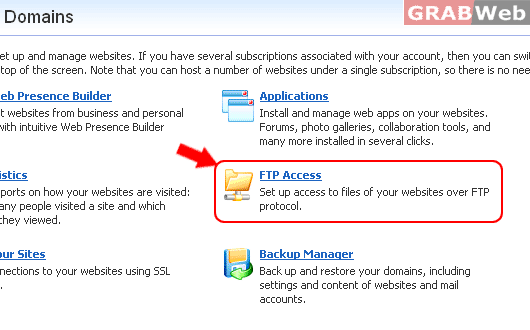
3) Click FTP Access.
4) Click on the Additional FTP Accounts tab, click the required FTP account name in the list.
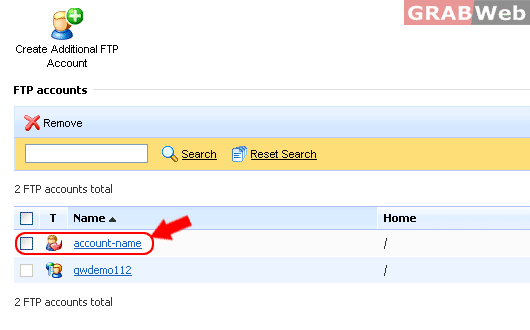
5) Make the required changes and click OK.