
To change the FTP password, Please follow the following steps :-
1) Login to Plesk control panel.

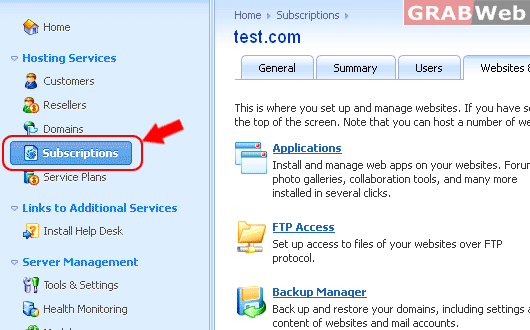
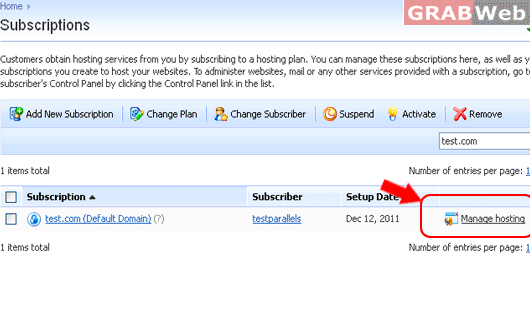
2) Click on "Subscriptions" and then Click on "Manage Hosting" in front of the domain whose want to change FTP password.
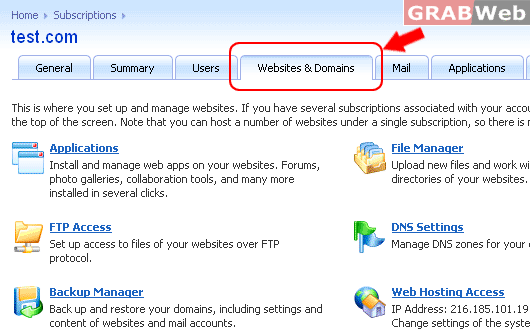
3) Click on "Websites and Domains".
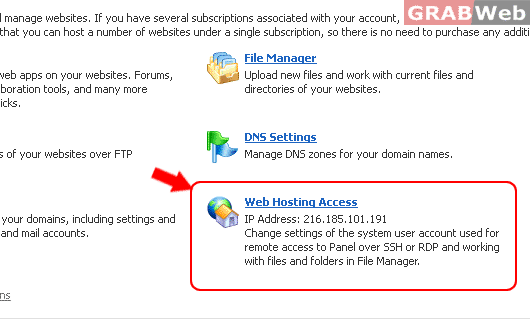
4) Click on "Web Hosting Access".
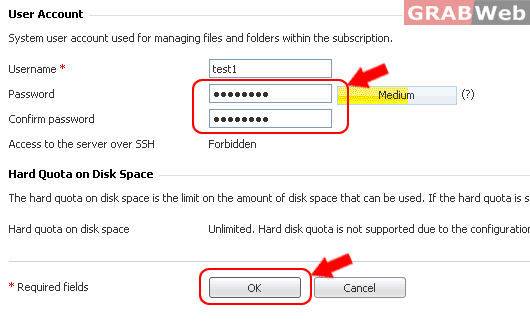
5) Enter the password twice and click "OK".
