
To change the web hosting type in the Plese please follow the following settings:-
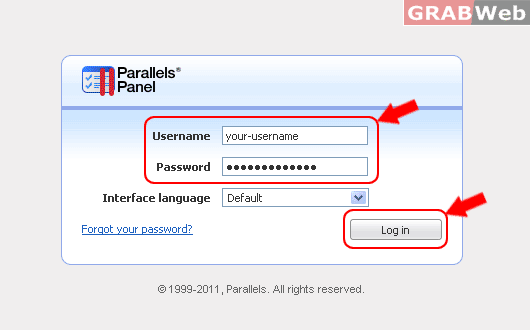
1) Login to Plesk control panel.
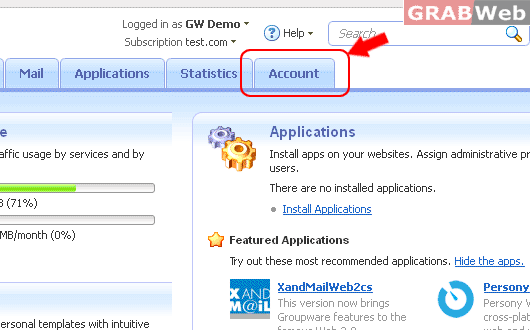
2) Click on "Account Tab".
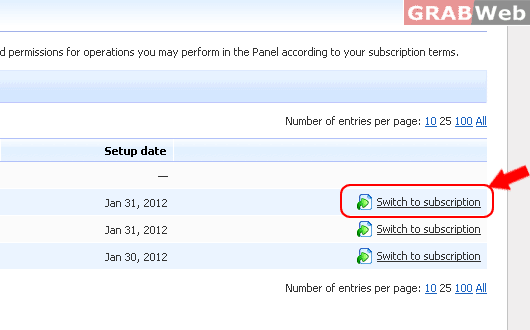
3) Click on "Switch to subscriptions" in the front of Domain to Manage, Emails, FTP and etc.
Note : "Information: You are now viewing properties of the subscription gwdemo.com."
Note : Information: You are now viewing properties of the subscription YourDomainName.com.
4) After that you will see your seletecd Subscription.
