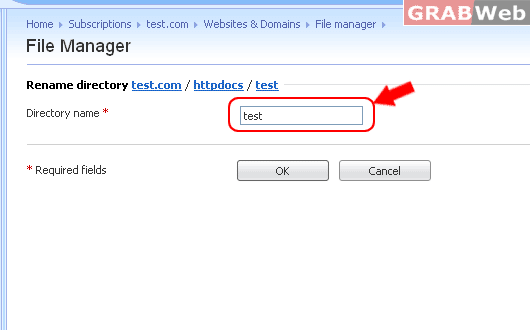
To rename a file in the Plesk please follow the following steps :-
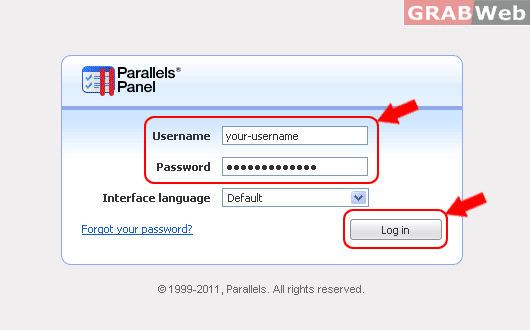
1) Log in to Plesk control panel.
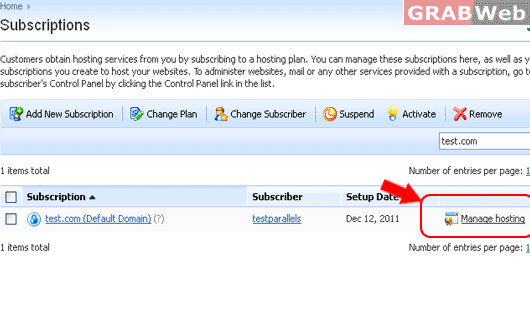
2) Click on "Subscription" and then Click on "Manage Hosting" in front of the domain whose rename files and folder.
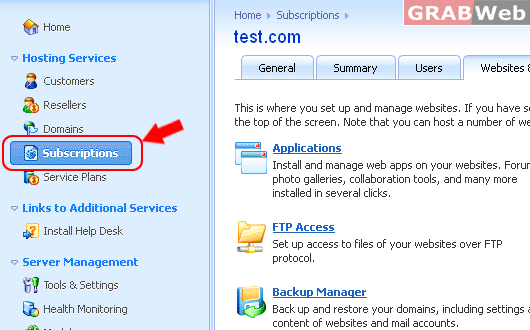
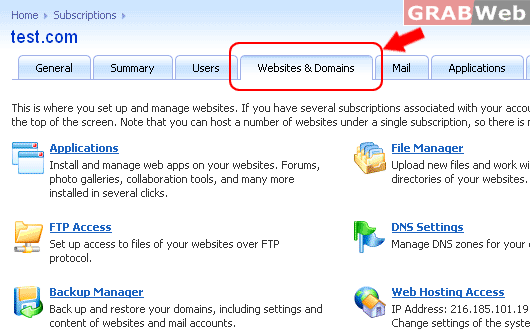
3) Click on "Websites and Domains".
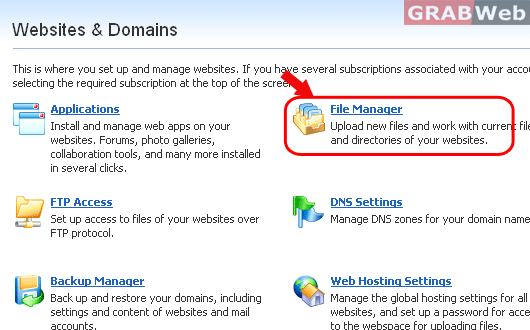
4) Click on "File manager".
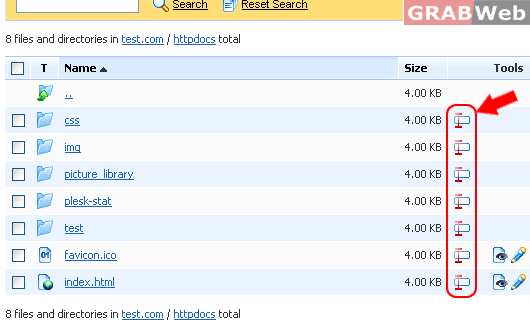
5) Click on "httpdocs" and then Click on "rename Icon as marked in RED Box" icon to rename the file or folder.
6) Enter the name of the file or directory that you want to rename.Click on "OK" once you
have entered the name.