
Plesk has inbuild phpmyadmin which you can use to acccess your database. To open phpmyadmin in plesk, please follow the following steps:-
1) Login to Plesk control panel.

2) Click on "Subscriptions" and then Click on "Manage Hosting" in front of the domain whose files permession you want to change.
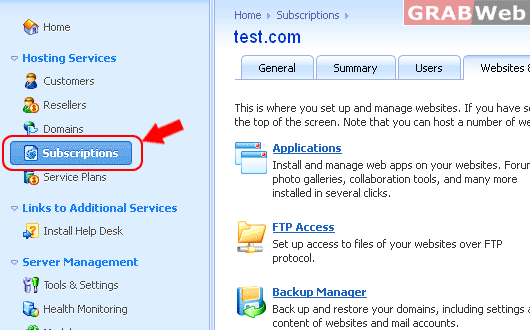
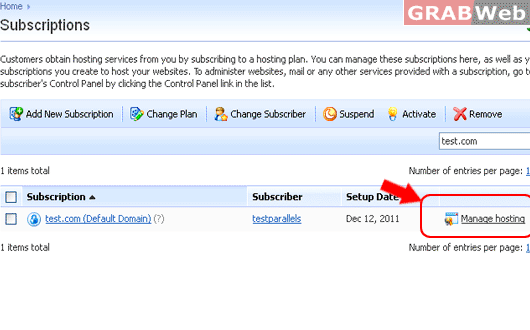
3) Click on "WebSites and Domains".

4) Click on "Databases".
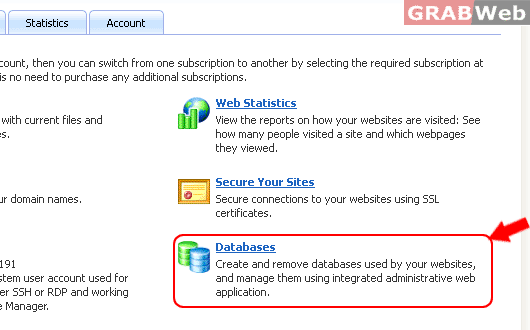
5) Now Click on "Databases".
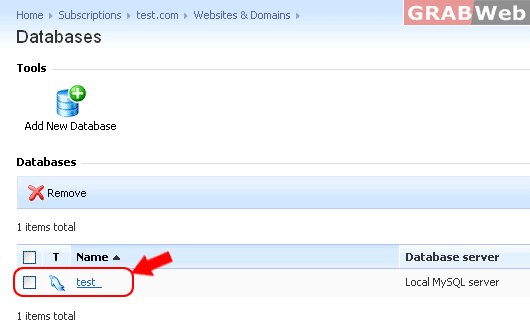
6) Now click on the "database" and then click on "Webadmin" that you want to access.
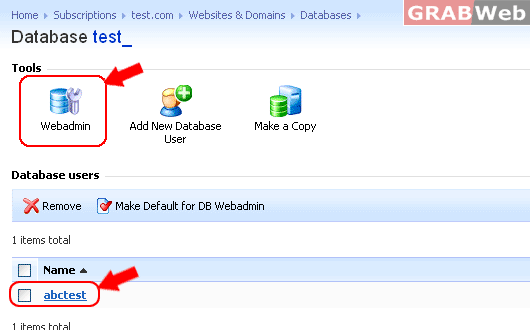
7) Please make sure to allow the pop up that comes on the browser for phpMyAdmin to open on a seperate window.
