
To Import MSSQL Databases in Plesk 10.x, please follow the following steps :-
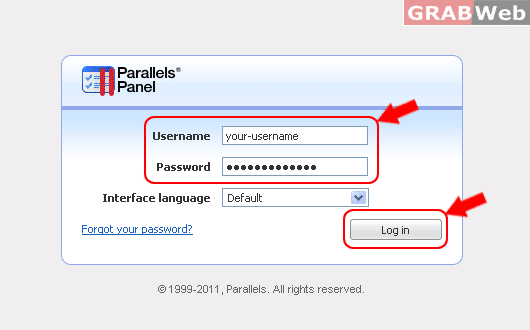
1) Login to Plesk control panel.
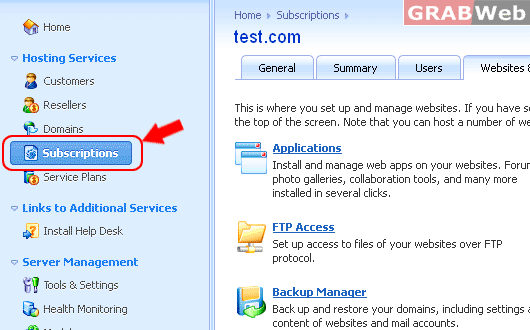
2) Click on "Subscriptions"
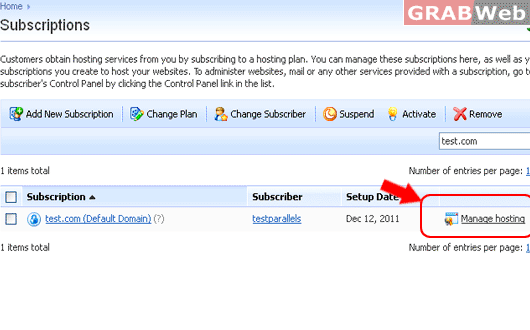
3) Click on Manage Hosting in the front of that domain, whose you want to export the MSSQL Database.
4) Click on "Websites & Domains".
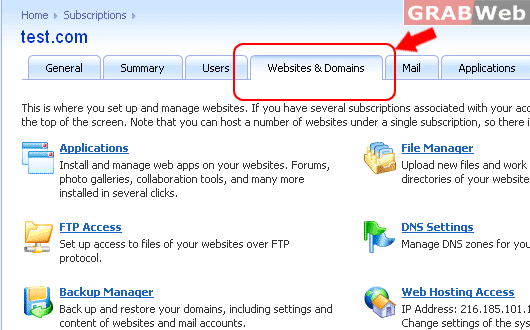
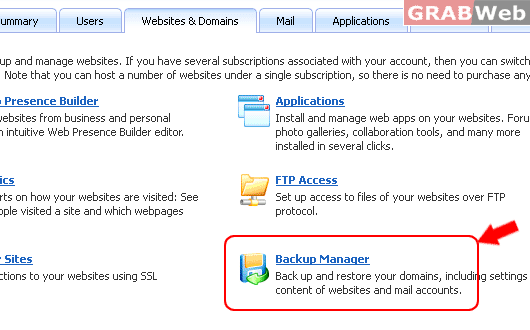
5) Click on "BackupManager".
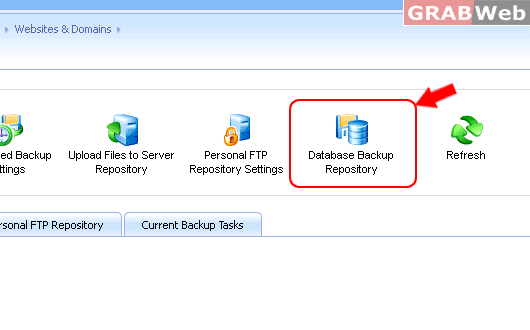
6) Click on "Database Backup Repository".
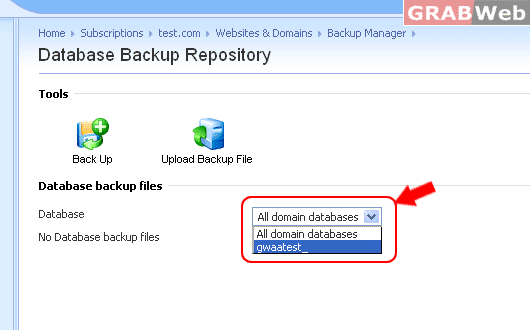
7) Select the Database Name from the Drop down menu.
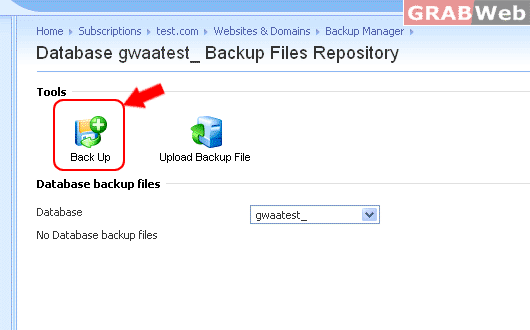
8) Click on Back Up.
9) Type Backup file name : export-backup-name.
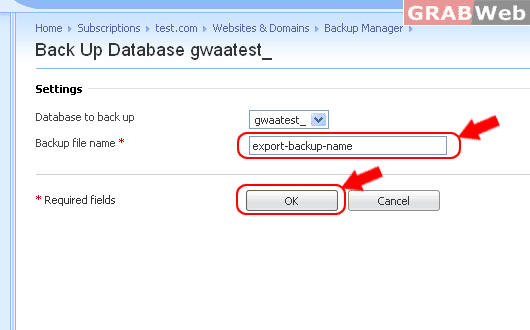
10) Click Ok.
