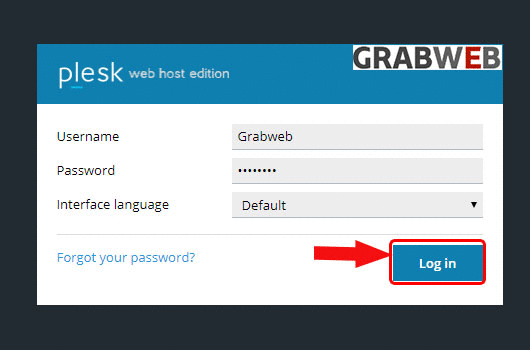
1. Login into Plesk Panel.
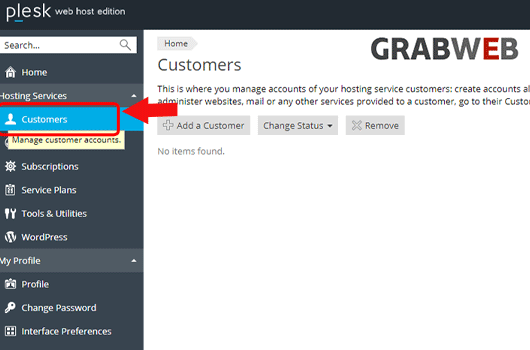
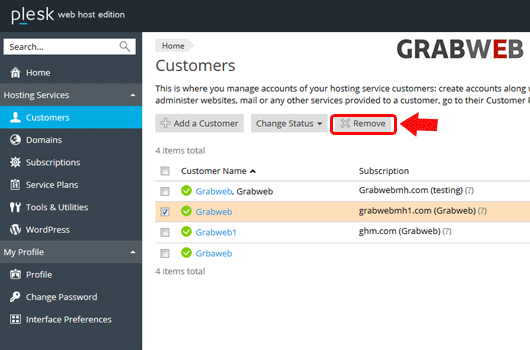
2. Click on the "Customers" tab as marked in the image.
3. Select on the "Customer Name" as marked in the image.
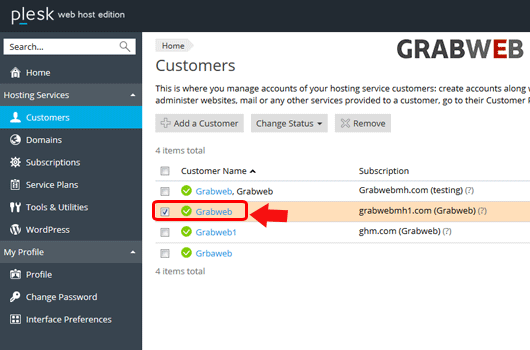
4. The subscription that is under this customer also removed by click on the "Remove" button as marked in the image.
5. Select "Yes" to remove.
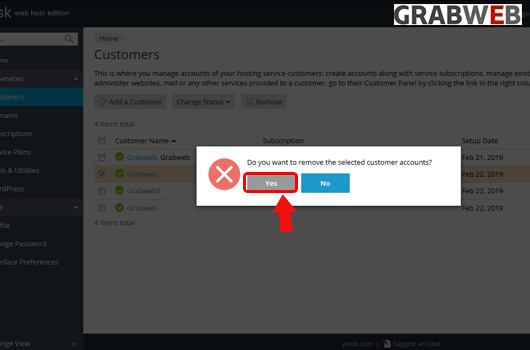
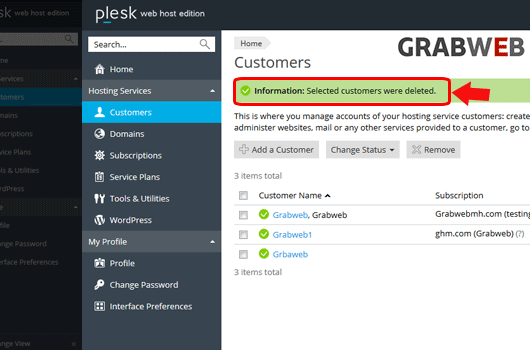
6. Customer successfully removed as marked in the image.