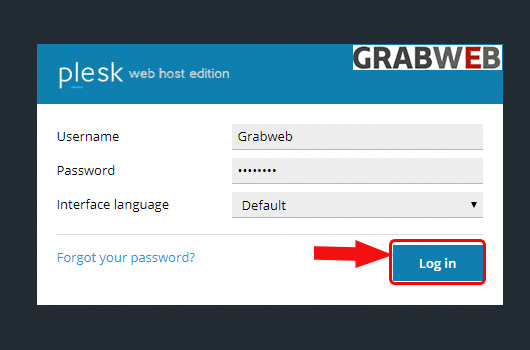
1. Login into Plesk Panel.
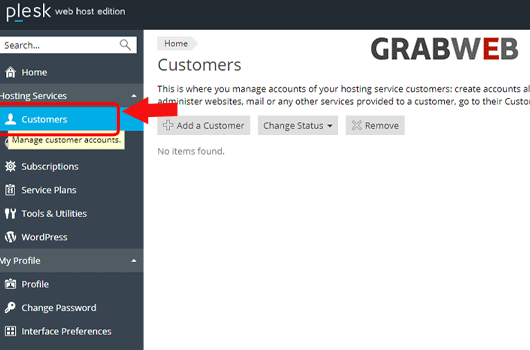
2. Click on "Customers" tab as at the left side of the screen marked in the image.
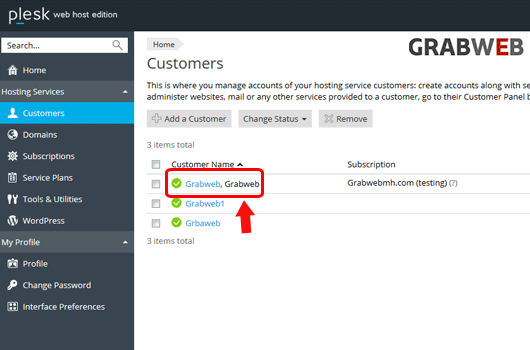
3. Select the "Customer Name" as marked in the image.
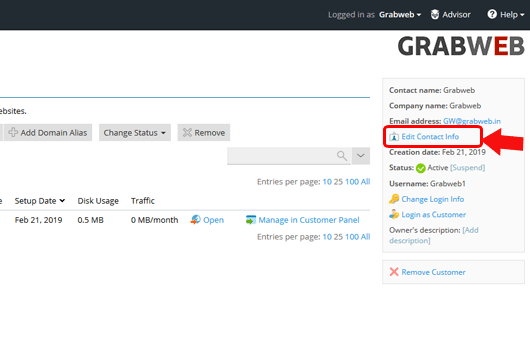
4. Click on "Edit Contact Info" as marked in the image.
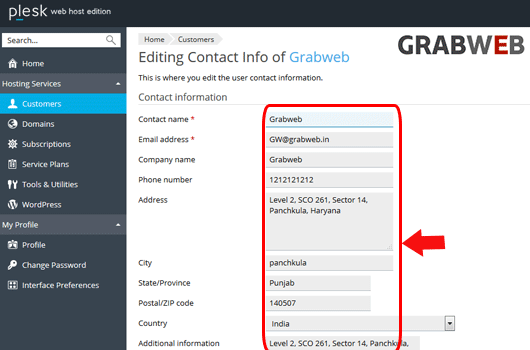
5. Enter the information as per your which you want to change as marked in the image.
6. Click on "Ok" to save.
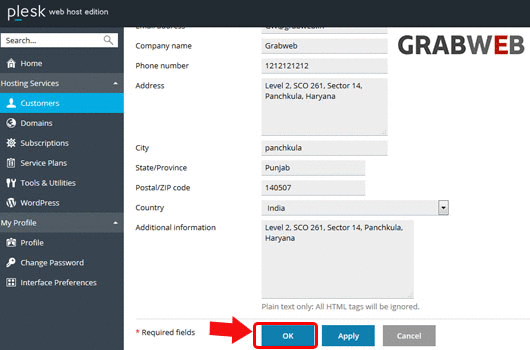
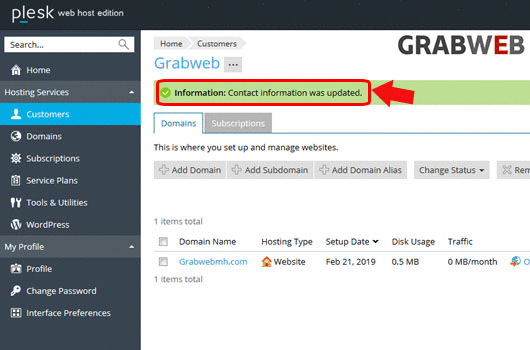
7. Here you can see Contact information updated successfully.