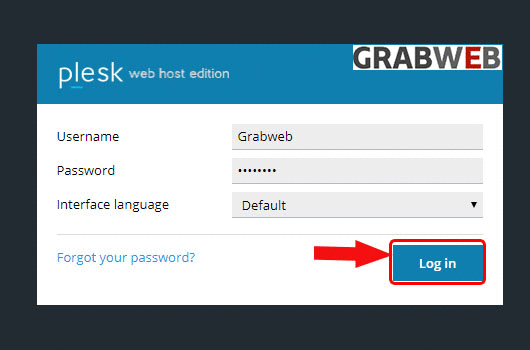
- Login into Plesk Panel.
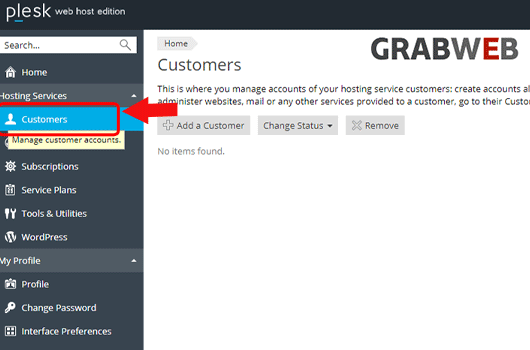
2. Click on the "Customers" tab as marked in the image.
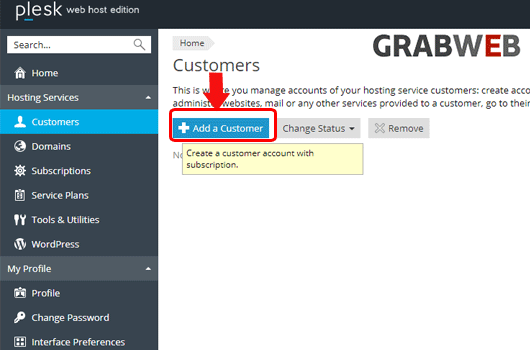
3. Click on the "Add a Customer" button as marked in the image.
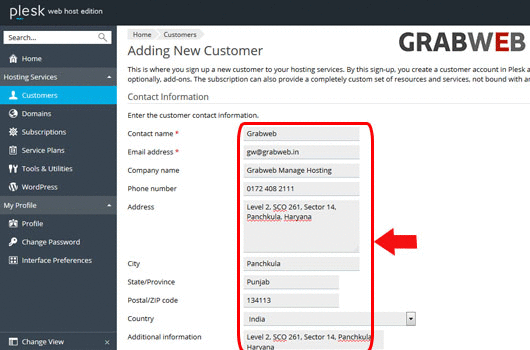
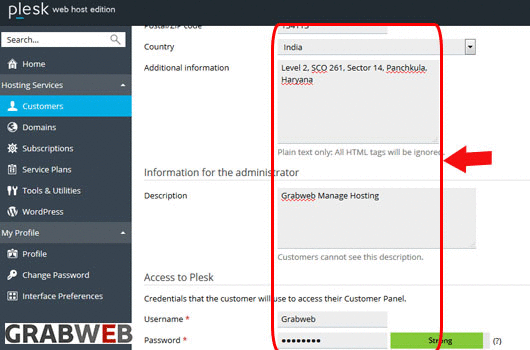
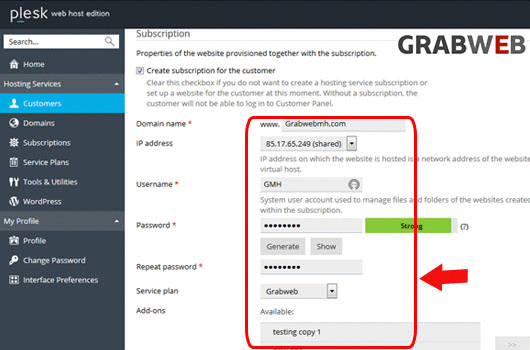
4. Enter the details like Contact Information, Access to Plesk and Subscription as marked in the image.
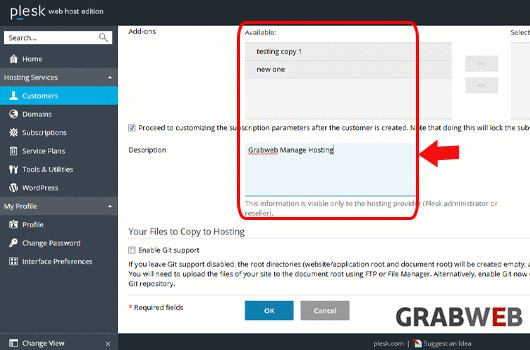
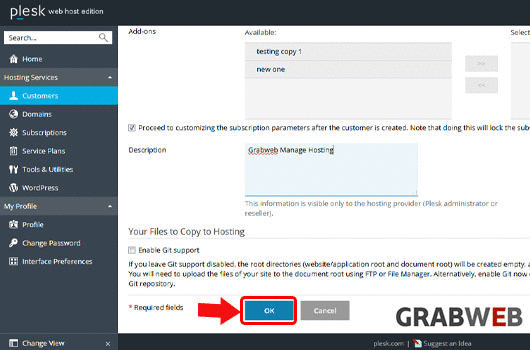
5. Select "Ok" to Create.
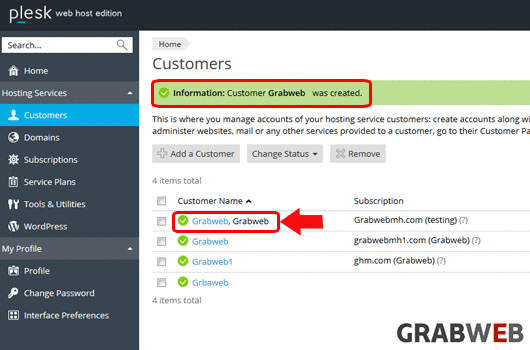
6. New customer created successfully as marked in the image.