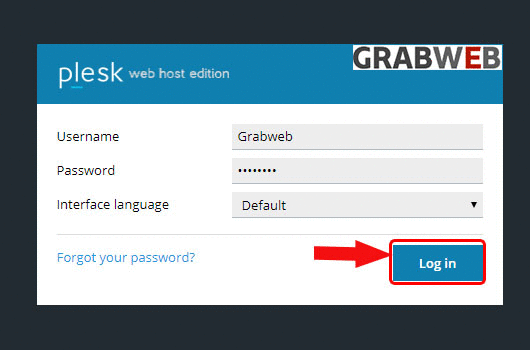
1. Login into Plesk Panel.
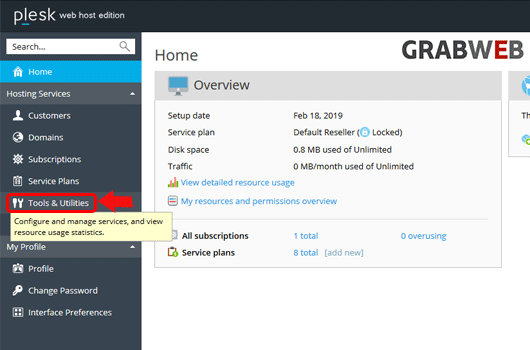
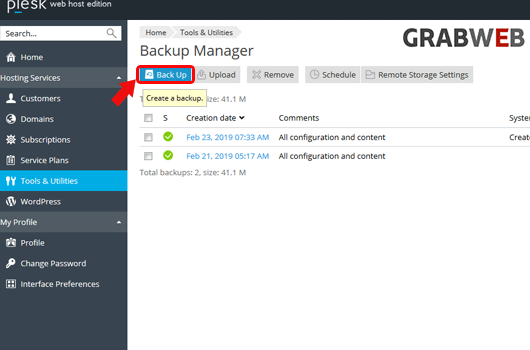
2. Click on the "Tools & Utilities" button at the left side of the screen as marked in the image.
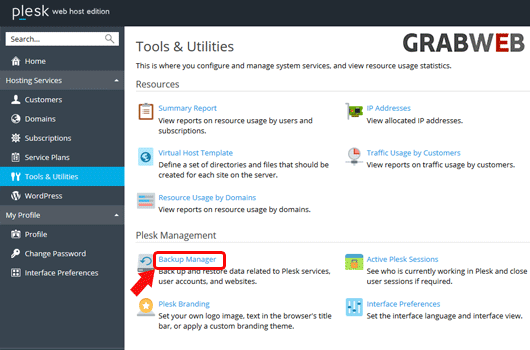
3. Click "Backup Manager" at the right side of the screen as marked in the image.
4. Click 'Backup" button as marked in the image.
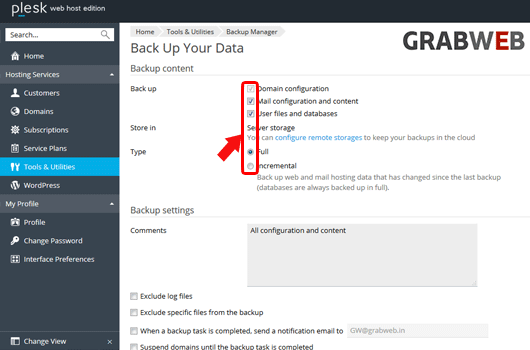
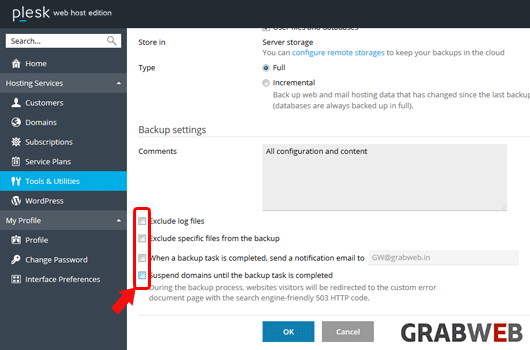
5. Select the options as per your need as marked in the image.
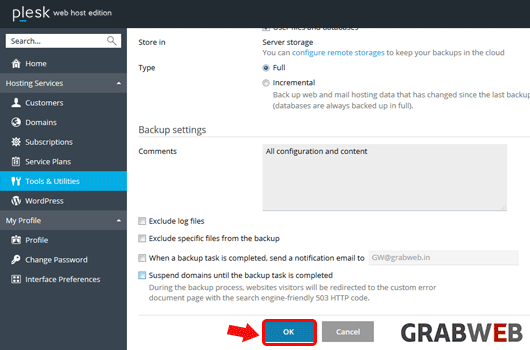
6. Check "Ok" to start the backup process.
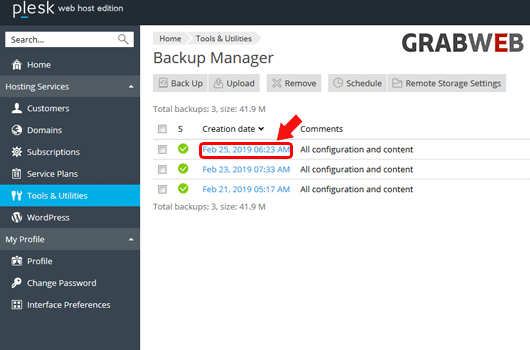
7. Backup file created successfully as marked in the image.