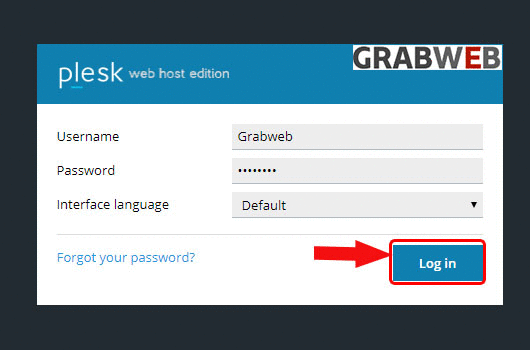
- Login into Plesk Panel.
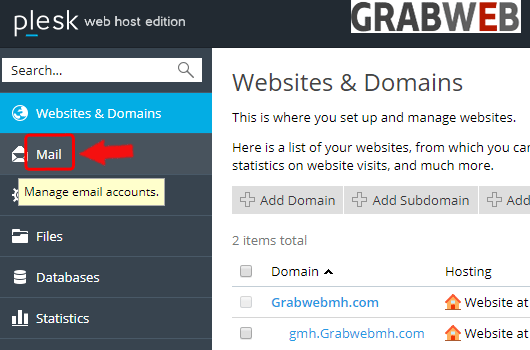
2. Click on the "Mail" tab as marked in the image.
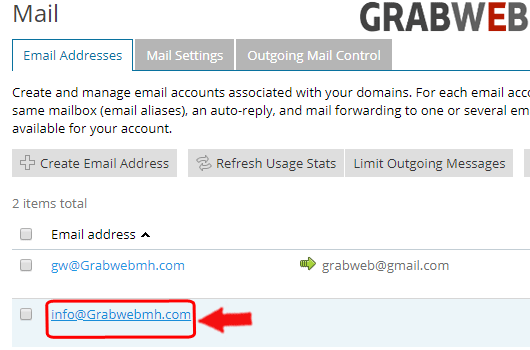
3. Click on the "Mailbox" as marked in the image.
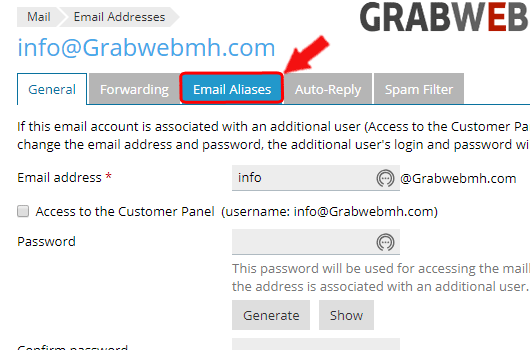
4. Click on the "Email Aliases" button as marked in the image.
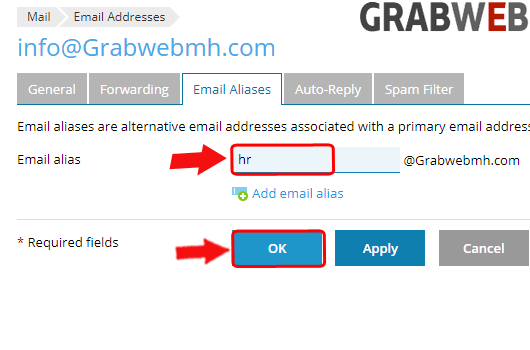
5. Enter the Aliases name and click on ok button as marked in the image.
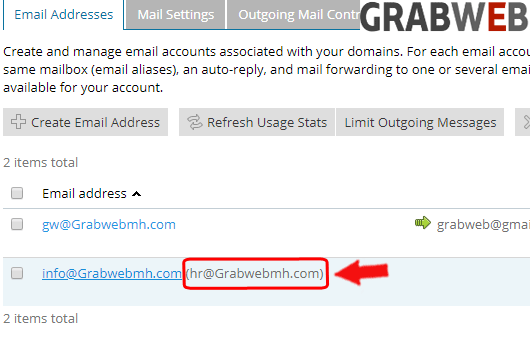
6. Here you can see alias created successfully.