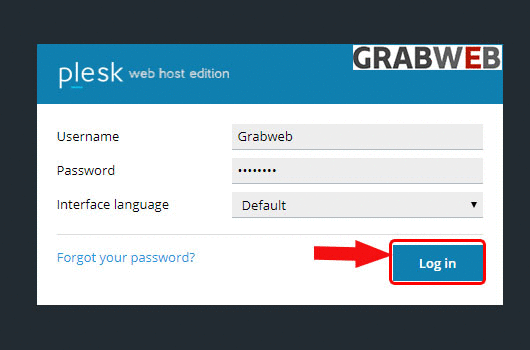
- Login into Plesk Panel.
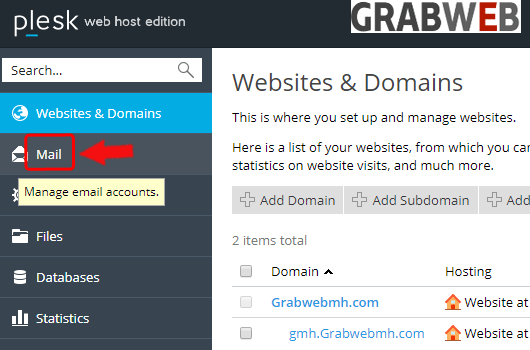
2. Click on the "Mail" tab as marked in the image.
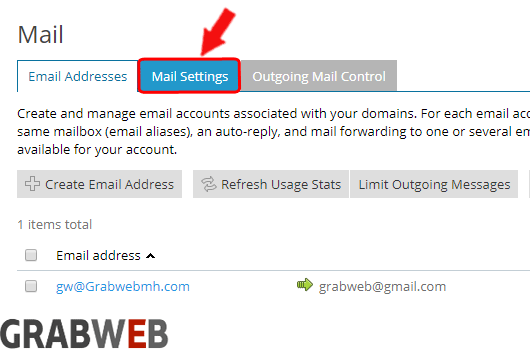
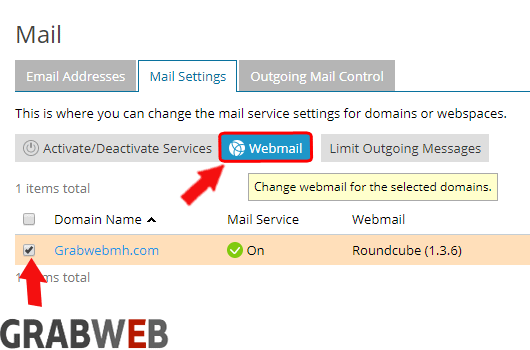
3. Click on the "Mail settings" tab as marked in the image.
4. Select the domain name and then click on "Webmail" button as marked in the image.
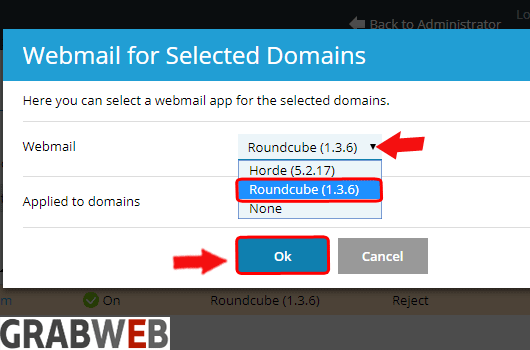
5. A popup window will open, select the interface which you want and click on Ok button as marked in image.
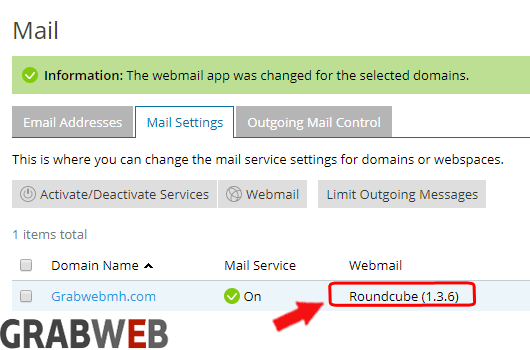
6. In the bellow screenshot you can see interface changed successfully.