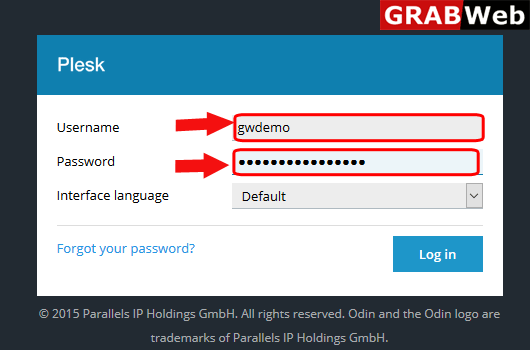
1)Login to Plesk control panel.
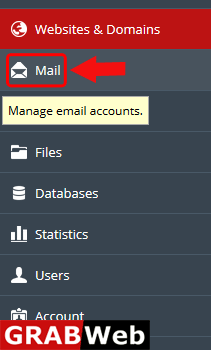
2)Click on Mail Tab.
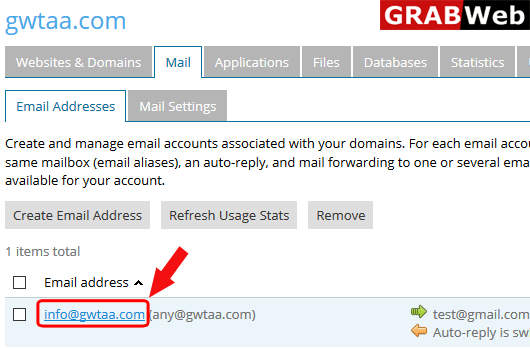
3)Click on email address for which you want to setup email alias.
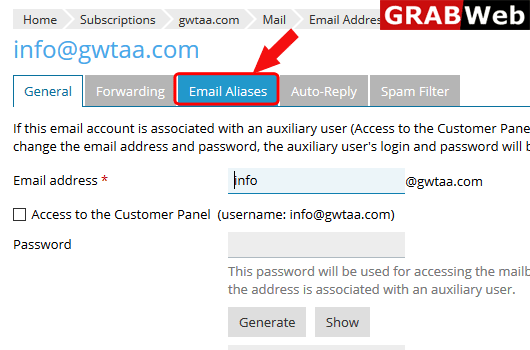
4)Click on Email Aliases.
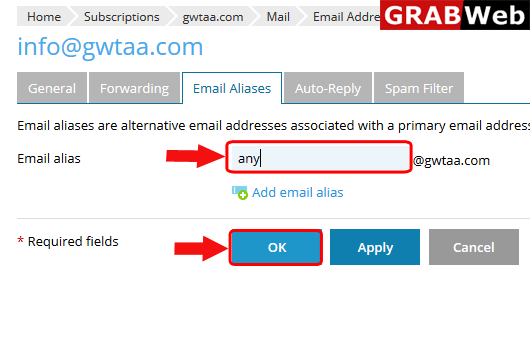
5)Enter the alias name and then click on OK.
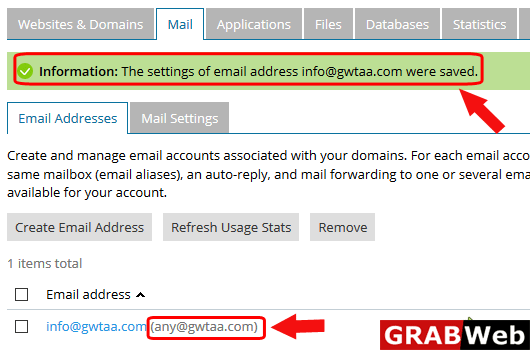
6)Here you can see the Information:The settings of email address were saved.