1)Login to Plesk control panel.

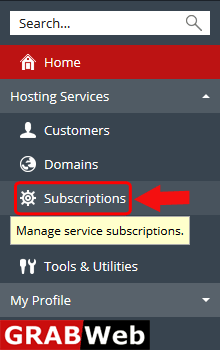
2)Click on Subscriptions.
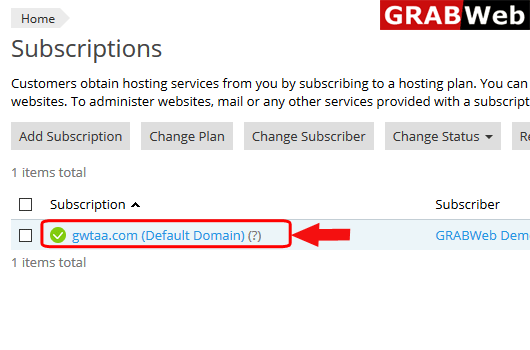
3)Click on subscription name.
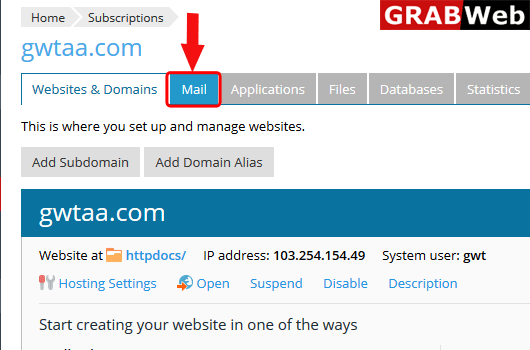
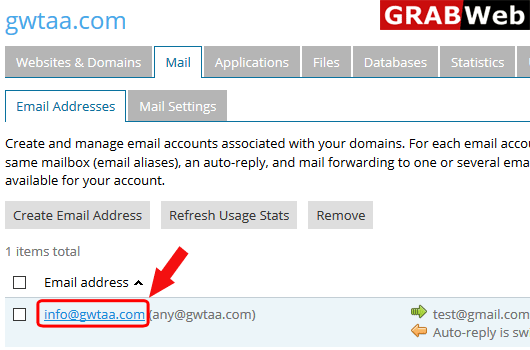
4)Click on Mail tab.
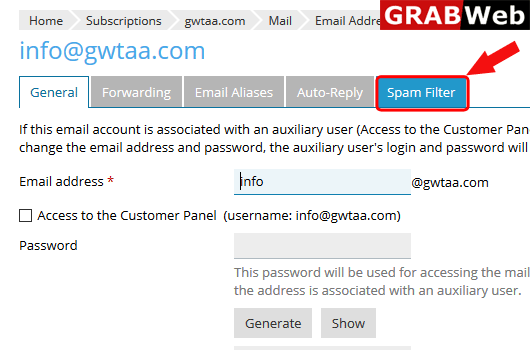
5)Click on email address.
6)Click on Spam Filter.
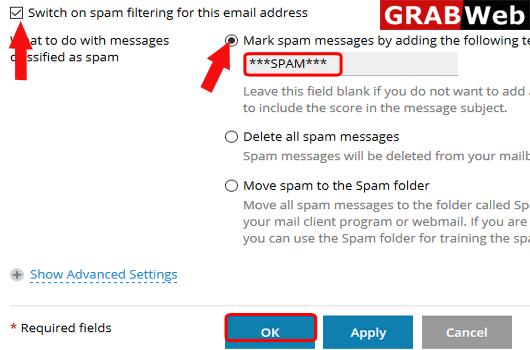
7)Switch on Spam filter first the select the option according to need as shown in bellow image.
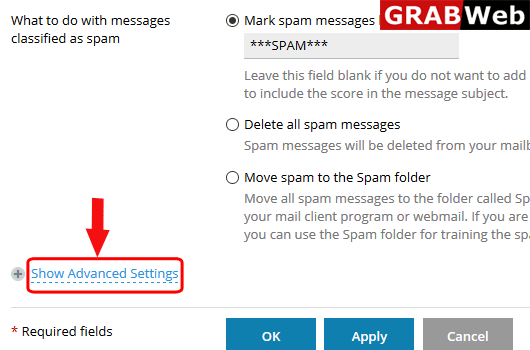
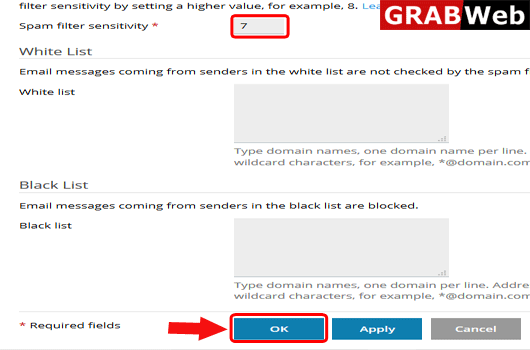
8)You can also increase the spam filter sensitivity and add the domain name in white list and black list just by clicking the Show Advanced Settings.
9)As shown bellow you can set the spam sensitivity number after all done click on OK.
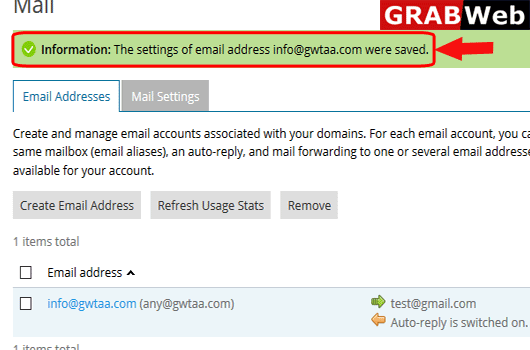
10)Here you can see the Information:The settings of email address were saved.