
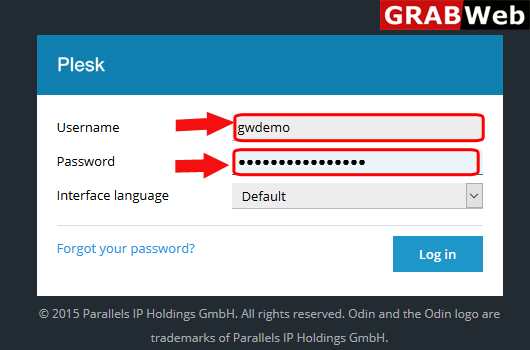
1)Login to Plesk control panel.
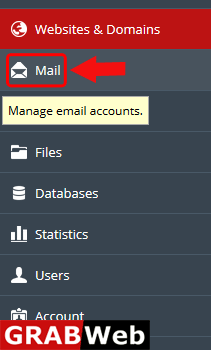
2)Click on Mail Tab.
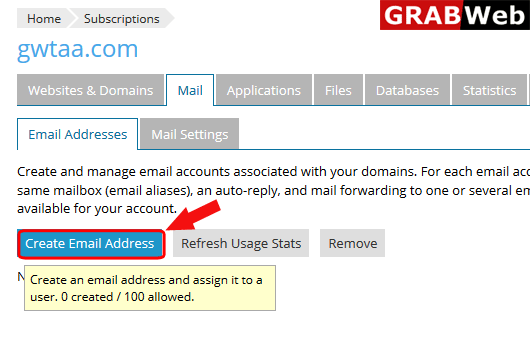
3)Click on Create Email Address.
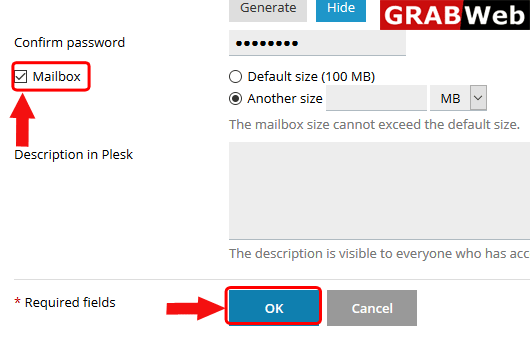
4)Enter the mailbox name and then Generate the password.
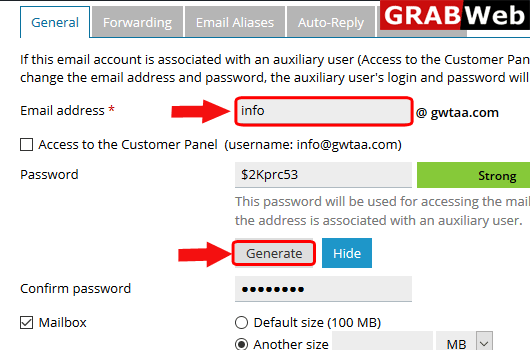
5)Select the checkbox of mailbox and then click OK.
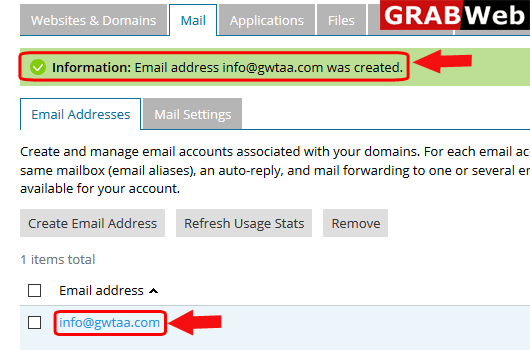
6)Here is the Information:Email address was created.
To activate mail service in plesk follow the following steps:-1)Login to Plesk control...
To activate spam filter for a mailbox follow the following steps:-1)Login to Plesk control...
To change webmail interface follow the following steps:-1)Login to Plesk control panel.2)Click on...
To deactivated mail service of a subscription follow the following steps:-1)Login to Plesk...
To setup autoreply for mail follow the following steps:-1)Login to Plesk control panel.2)Click on...
