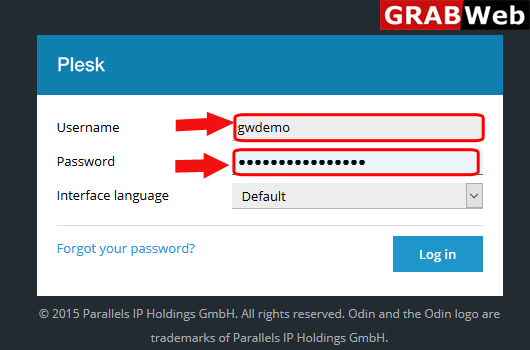
1)Login to Plesk control panel.
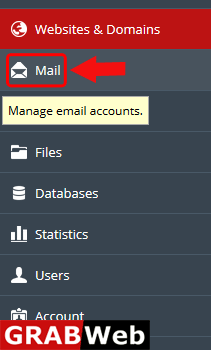
2)Click on Mail Tab.
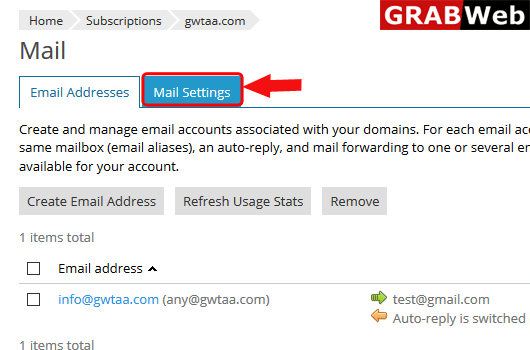
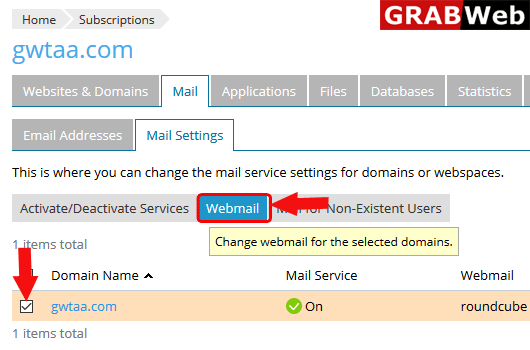
3)Click on Mail Settings.
4)Select the domain name and then click on Webmail.
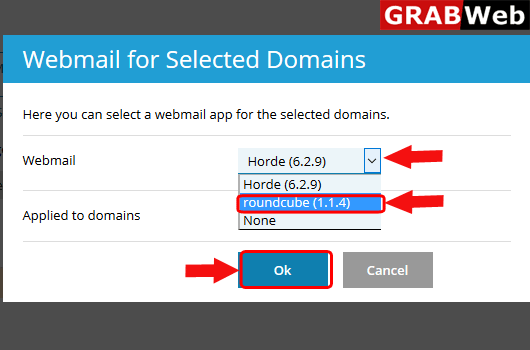
5)Select the interface and then click Ok.
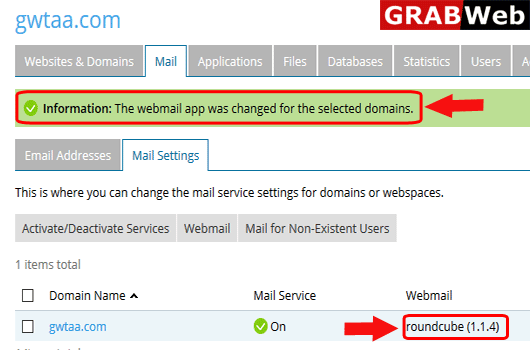
6)Here you can see the Information:Then webmail app was changed for the selected domains.