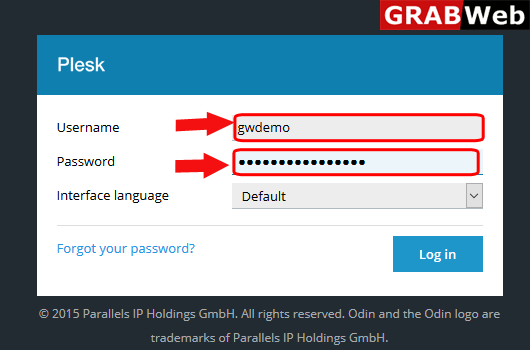
1)Login to Plesk control panel.
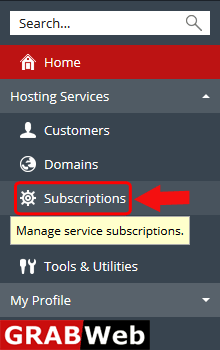
2)Click on Subscriptions.
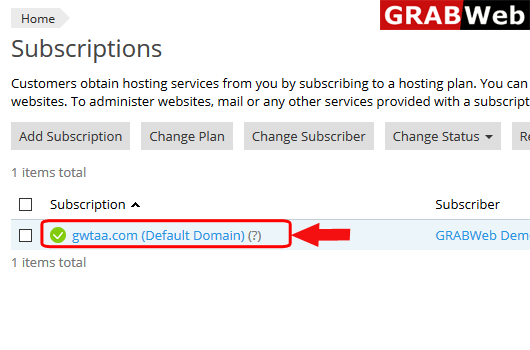
3)Click on subscription name.
4)Click on Mail tab.
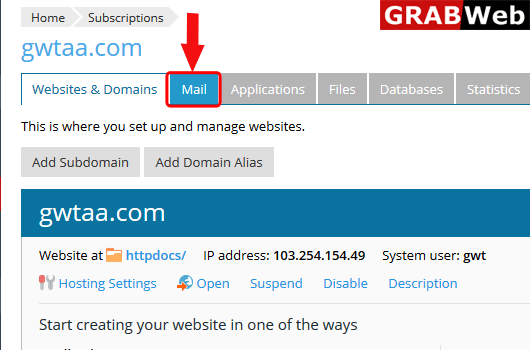
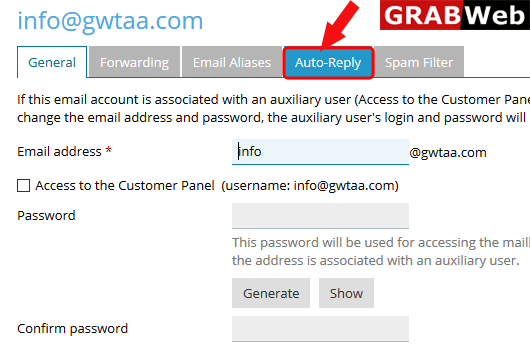
5)After click on mailbox name you will find the option of Auto-Reply, click on that.
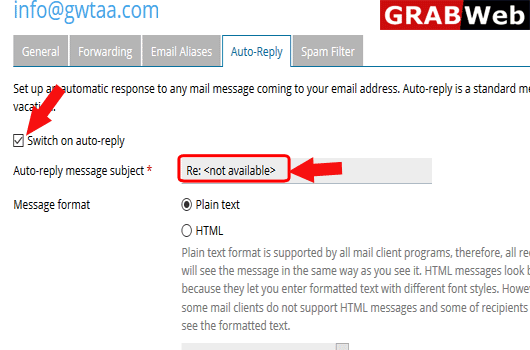
6)First select the check box for Switch on auto-reply then enter the subject and message for auto reply, At the end click on OK.
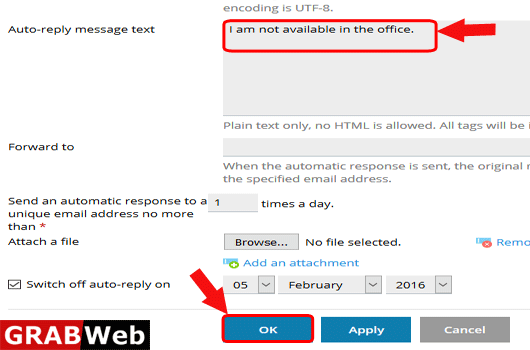
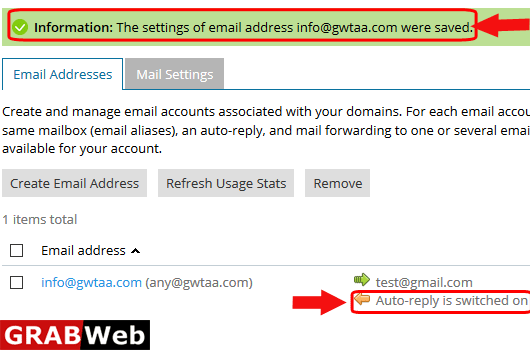
7)Here you can see the Information:The settings of email address were saved.